1. Introducció
The Brother DCP-L2640DW is a compact, high-performance monochrome laser all-in-one printer designed for home offices and small workgroups. This manual provides essential information for setting up, operating, maintaining, and troubleshooting your printer to ensure optimal performance.
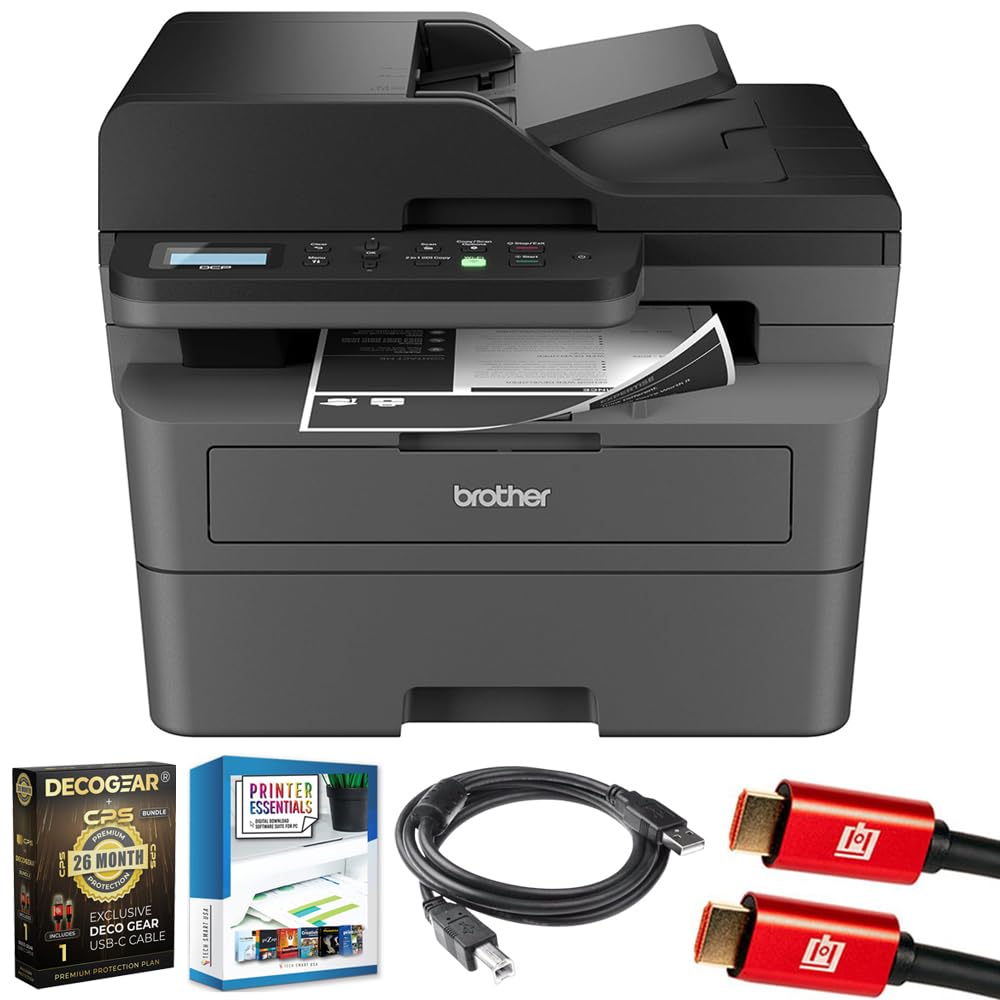
Image 1.1: Brother DCP-L2640DW Compact Monochrome Laser Printer
2. Característiques clau
- Funcionalitat 3 en 1: Print, copy, and scan capabilities in a compact design.
- Velocitats d'impressió ràpides: Delivers up to 36 pages per minute for efficient task completion.
- Impressió dúplex automàtica: Built-in two-sided printing to save time and paper.
- 50-Sheet Automatic Document Feeder (ADF): Per a l'escaneig i la còpia eficients de diverses pàgines.
- High-Capacity Paper Handling: 250-sheet paper tray plus a manual feed slot for diverse media types.
- Opcions de connectivitat flexibles: Dual-band Wi-Fi, Ethernet, USB, and mobile printing via Brother Mobile Connect, AirPrint, Mopria, and Wi-Fi Direct.
- Advanced Network Security: Features like TLS/SSL, SNMP v3, and IP filtering for secure operation.

Imatge 2.1: acabatview of the Brother DCP-L2640DW's key features including print speed, connectivity, and compact design.
3. Què hi ha a la caixa
- Brother DCP-L2640DW Monochrome Laser Printer
- Starter Black Toner Cartridge (approx. 700 pages)
- Brother DR830 Drum Unit (approx. 15,000 pages)
- Cable d'alimentació CA
- Documentation (Quick Setup Guide, Product Safety and Protection Information)
4. Configuració
4.1. Desembalatge
- Traieu amb cura la impressora de l'embalatge.
- Traieu totes les cintes protectores i els materials d'embalatge de l'exterior i l'interior de la impressora.
4.2. Toner Cartridge and Drum Unit Installation
- Obriu la coberta frontal de la impressora.
- Traieu el cartutx de tòner i el conjunt de la unitat de tambor de la impressora.
- Unpack the new toner cartridge and drum unit.
- Introduïu el cartutx de tòner fermament a la unitat de tambor fins que quedi encaixat.
- Slide the green tab on the drum unit from left to right several times to clean the corona wire. Return the tab to the home position.
- Torneu a instal·lar el cartutx de tòner i el conjunt de la unitat de tambor a la impressora.
- Tanqueu la coberta frontal.
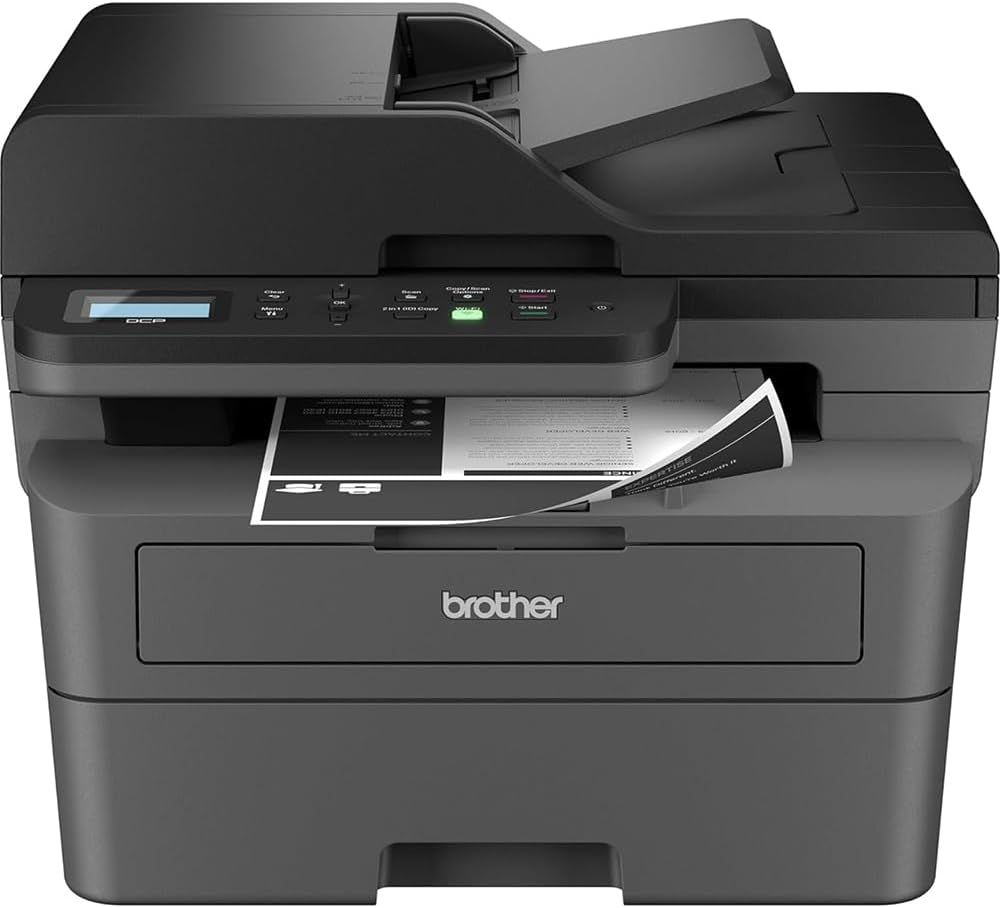
Image 4.1: The Brother DCP-L2640DW printer with the front cover open, showing the toner cartridge and drum unit assembly.
4.3. Connexió d'alimentació
- Connect the AC power cord to the printer's power input.
- Connecteu l'altre extrem del cable d'alimentació a una presa de corrent amb connexió a terra.
- Premeu el botó d'engegada per encendre la impressora.
4.4. Configuració inicial i connectivitat
Follow the on-screen instructions on the printer's LCD display to complete the initial setup, including language selection and date/time settings.
- Configuració sense fil: Navegueu fins a la configuració de xarxa al tauler de control de la impressora, seleccioneu la vostra xarxa Wi-Fi i introduïu la contrasenya.
- Connexió Ethernet: Connecteu un cable Ethernet des del vostre encaminador o concentrador de xarxa al port Ethernet de la impressora.
- Connexió USB: Connecteu un cable USB de l'ordinador al port USB de la impressora.
- Instal·lació del controlador: Install the printer drivers from the included CD-ROM or download them from the official Brother support weblloc.
Vídeo 4.1: Un producte acabatview video demonstrating the Brother DCP-L2640DW printer's features and ease of use.
5. Instruccions de funcionament
5.1. Impressió de documents
- Load paper into the 250-sheet paper tray or the manual feed slot.
- Des de l'ordinador o dispositiu mòbil, obriu el document que voleu imprimir.
- Seleccioneu "Imprimir" al menú de l'aplicació.
- Choose your Brother DCP-L2640DW printer.
- Ajusteu la configuració d'impressió (per exemple, el nombre de còpies, la impressió a doble cara) segons calgui.
- Feu clic a "Imprimeix".
5.2. Còpia de documents
- Place your document face down on the scanner glass or face up in the Automatic Document Feeder (ADF).
- Al tauler de control de la impressora, premeu el botó "Còpia".
- Use the arrow keys to select the number of copies or adjust other settings.
- Premeu "Inici" per començar a copiar.

Image 5.1: The Brother DCP-L2640DW highlighting its Automatic Document Feeder for multi-page tasks.
5.3. Escaneig de documents
- Place your document face down on the scanner glass or face up in the ADF.
- On the printer's control panel, press the 'Scan' button.
- Select your desired scan destination (e.g., PC, email, cloud).
- Adjust scan settings (e.g., resolution, color mode) as needed.
- Premeu "Inici" per començar l'escaneig.
5.4. Impressió mòbil
The Brother DCP-L2640DW supports various mobile printing solutions:
- Aplicació Brother Mobile Connect: Download the app to manage your printer, print, and scan from your smartphone or tablet.
- Apple AirPrint: Print directly from your Apple iOS device without installing drivers.
- Servei d'impressió Mopria: Print from Mopria-certified Android devices.
- Wi-Fi Direct: Print directly from your mobile device to the printer without needing a router.

Image 5.2: The Brother Mobile Connect App interface, showing options for document print, photo print, scan, copy, and toner monitoring.
6. Manteniment
6.1. Toner Replacement
When the toner is low or empty, the printer's display will indicate that the toner cartridge needs to be replaced. Always use genuine Brother toner cartridges for optimal performance and print quality.
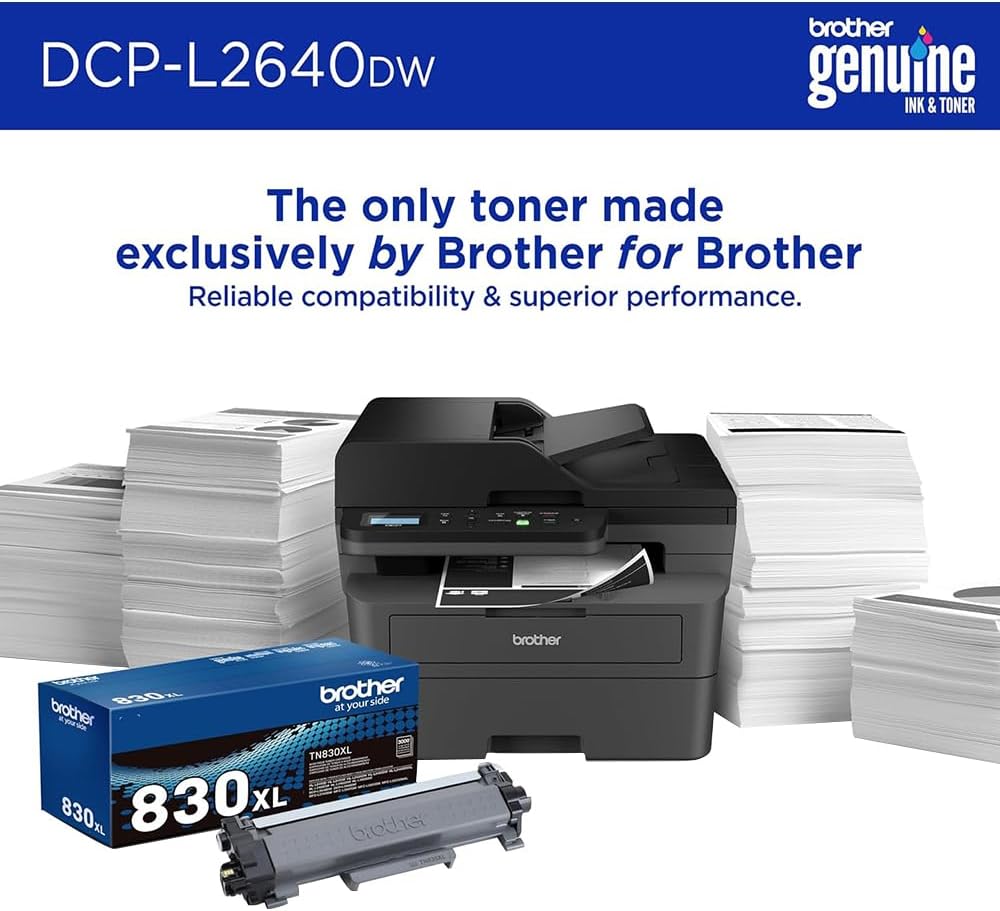
Image 6.1: Brother Genuine Ink & Toner packaging, emphasizing reliable compatibility and superior performance.
6.2. Drum Unit Replacement
The drum unit is a separate consumable that needs to be replaced periodically, typically after approximately 15,000 pages. The printer will notify you when it's time to replace the drum unit.
6.3. Neteja
- Exterior: Netegeu l'exterior de la impressora amb un drap suau i sense borrissol.
- Vidre de l'escàner: Netegeu el vidre de l'escàner amb un drap suau i sense borrissol humitejat amb netejador de vidres.
- Filferro Corona: Regularly clean the corona wire inside the drum unit by sliding the green tab.
7. Solució De Problemes
- Embussos de paper: Follow the on-screen instructions or refer to the printer's documentation to clear paper jams from various access points.
- Problemes de connectivitat: Ensure the printer is connected to the correct network (Wi-Fi or Ethernet) or directly to the computer via USB. Restarting the printer and router can often resolve temporary connection problems.
- Mala qualitat d'impressió: Check toner levels, clean the corona wire, and ensure you are using appropriate paper for your print job.
- Missatges d'error: Refer to the printer's LCD display for specific error codes and consult the online manual or Brother support for solutions.
8. Especificacions
| Característica | Detall |
|---|---|
| Número de model | DCP-L2640DW |
| Tecnologia d'impressió | Làser |
| Sortida de la impressora | Monocrom |
| Velocitat màxima d'impressió en monocrom | 36 ppm |
| Resolució màxima d'impressió en blanc i negre | 1200 x 1200 punts per polzada |
| Impressió dúplex automàtica | Sí |
| Tipus d'escàner | Llit pla |
| Capacitat màxima del full d'entrada | 250 fulls |
| Capacitat de l'alimentador automàtic de documents (ADF) | 50 fulls |
| Tecnologia de connectivitat | USB, Ethernet, Dual-band Wi-Fi |
| Cartutx compatible | TN830, TN830XL |
| Dimensions del producte | 15.7 "P x 16.1" W x 12.5" H |
| Pes | Not specified in provided data, typically around 20-30 lbs for similar models. |
9. Garantia i Suport
The Brother DCP-L2640DW Monochrome Laser Printer comes with a Limited Warranty. For specific warranty terms and conditions, please refer to the documentation included with your product or visit the official Brother support weblloc.
Per obtenir assistència tècnica, descàrregues de controladors i recursos addicionals, visiteu Suport germà Weblloc.


