1. Introducció
This manual provides essential information for the proper installation, operation, and maintenance of your THOMSON M27FB2Y15 27-inch Full HD 120 Hz Professional Monitor. Please read this manual thoroughly before using the product to ensure optimal performance and safety. This monitor is designed to enhance productivity and multimedia tasks with its 27-inch IPS panel, Full HD resolution, and 120 Hz refresh rate. It offers vibrant colors, deep contrast, and visual comfort features like anti-flicker, anti-glare, and blue light reduction.
2. Contingut del paquet
Upon unpacking, please verify that all the following items are present and in good condition:
- THOMSON M27FB2Y15 Monitor
- Suport de monitor (base i coll)
- Adaptador d'alimentació
- Cable HDMI
- Manual d'usuari (aquest document)
- Targeta de garantia
Note: The actual contents may vary slightly depending on the region.
3. Configuració i instal·lació
3.1 Muntatge del suport
Segueix aquests passos per fixar el suport al monitor:
- Col·loqueu amb cura el monitor cara avall sobre una superfície suau i neta per evitar ratllades.
- Fixeu el coll del suport a la part posterior del monitor alineant els punts de muntatge i fixant-lo amb els cargols proporcionats.
- Fixeu la base del suport al coll del suport, assegurant-vos que encaixi al seu lloc o que estigui fixada amb cargols.
- Aixequeu suaument el monitor i col·loqueu-lo sobre una superfície plana i estable.
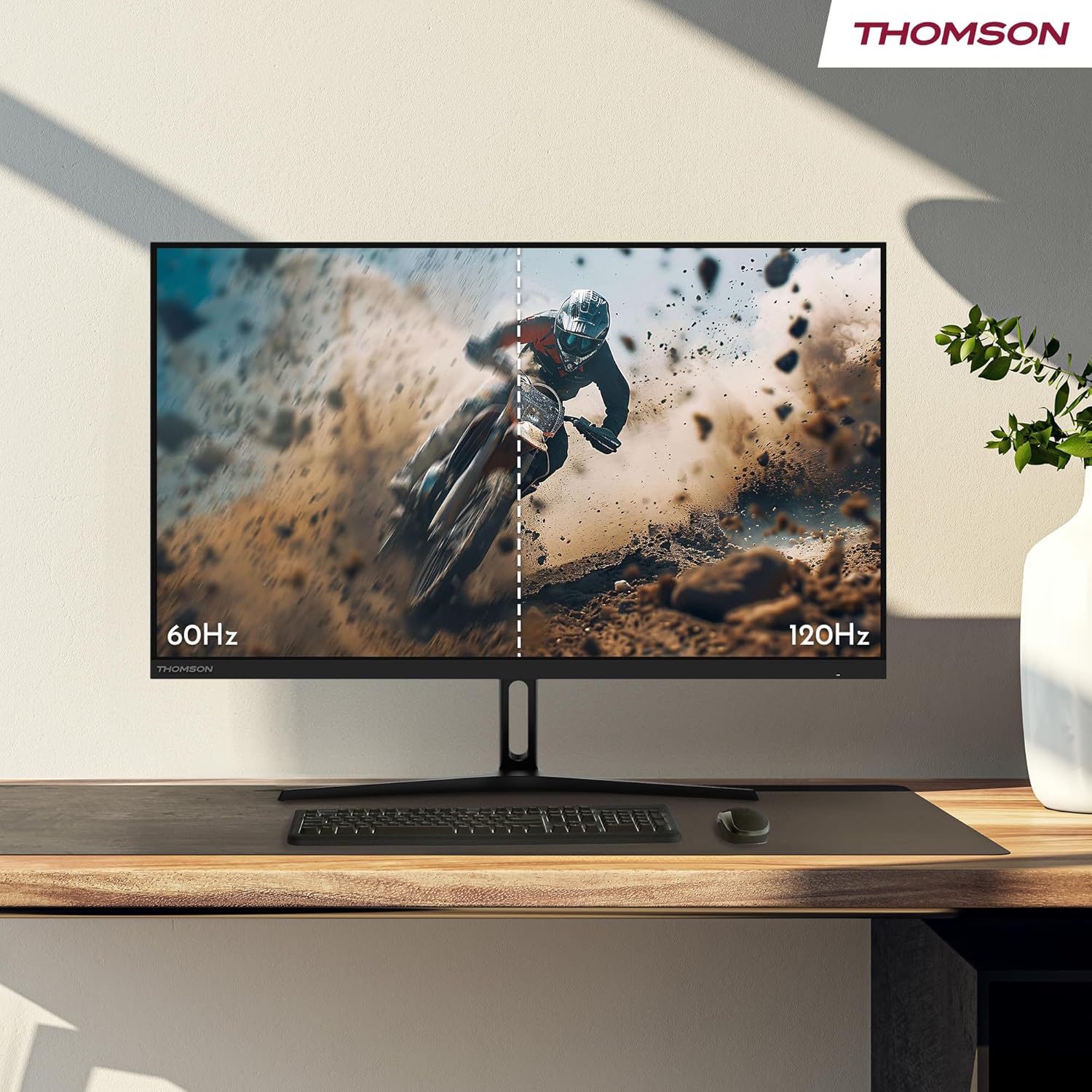
Figura 3.1: Illustration of the monitor stand assembly process. The image shows the back of the monitor with an arrow indicating upward movement for easy assembly of the stand.

Figura 3.2: Davant view of the THOMSON 27-inch monitor fully assembled with its stand, ready for use.
3.2 Instal·lació del suport de paret VESA (opcional)
This monitor supports VESA 100x100mm mounting. If you wish to wall-mount your monitor, remove the stand and attach a VESA-compatible wall mount (sold separately) according to the wall mount's instructions.

Figura 3.3: posterior view of the monitor, highlighting the VESA mounting points for alternative installation options.
3.3 Connexió a dispositius
Connect your monitor to your computer or other devices using the available ports:
- HDMI: Use the provided HDMI cable to connect to your computer's HDMI output. The monitor has 2 HDMI 1.4 ports.
- USB-C: Connect compatible devices using a USB Type-C cable for video, audio, and power delivery (2.5W).
- Auriculars: Connecteu uns auriculars o uns altaveus externs al connector d'àudio de 3.5 mm.
- DC IN: Connecteu l'adaptador de corrent a aquest port.

Figura 3.4: Detallada view of the monitor's rear ports, including 1x HDMI 1.4, 1x Type-C (2.5W), Headphones, DC IN, and the Navigation button for OSD control.
After connecting, plug the power adapter into a power outlet and press the power button on the monitor to turn it on.
4. Instruccions de funcionament
4.1 Encès/Apagat
Premeu el botó d'engegada que es troba al monitor per engegar-lo o apagar-lo. L'indicador lluminós d'engegada s'il·luminarà quan el monitor estigui encès.
4.2 Menú de visualització en pantalla (OSD)
Use the navigation button (joystick) located on the back of the monitor to access and navigate the OSD menu. This menu allows you to adjust various display settings.
- Brillantor/Contrast: Ajusta la luminància i el contrast generals de la pantalla.
- Configuració de color: Modifica la temperatura de color, el to i la saturació.
- Font d'entrada: Manually select the input source (HDMI 1, HDMI 2, USB-C).
- Mode d'imatge: Choose from preset picture modes (e.g., Standard, Game, Movie).
- Configuració d'àudio: Ajusta el volum dels auriculars connectats.
- Configuració OSD: Configure OSD language, transparency, and timeout.
4.3 Visual Comfort Features
The monitor incorporates several technologies to reduce eye strain during prolonged use:
- Anti-parpelleig: Reduces screen flickering for a more comfortable viewexperiència.
- Llum blava baixa: Filters harmful blue light emissions to minimize eye fatigue.
- Pantalla antireflexos: Minimizes reflections from ambient light sources.

Figura 4.1: Visual representation of the monitor's eye comfort features: Anti-Flicker, Low Blue Light, and Anti-Glare screen technology.
5. Característiques clau
The THOMSON M27FB2Y15 monitor offers advanced features for an enhanced visual experience:
- 27-inch Full HD IPS Panel: Enjoy vibrant colors and deep contrast with a 1920 x 1080 resolution and a wide 178° viewing angle. The IPS technology ensures consistent image quality from various perspectives.
- Brillantor de 300 nits: Provides clear and bright visuals in various lighting conditions.
- 120 Hz Refresh Rate with Adaptive Sync: Experience smooth image fluidity, eliminating screen tearing and stuttering during fast-paced scenes. Adaptive Sync compatibility ensures synchronized frame rates between the monitor and your graphics card.
- HDR10 Support with 8-bit Color Depth: Delivers precise and rich colors, making it suitable for content creation and professional tasks. The monitor covers 110% of the sRGB color space.
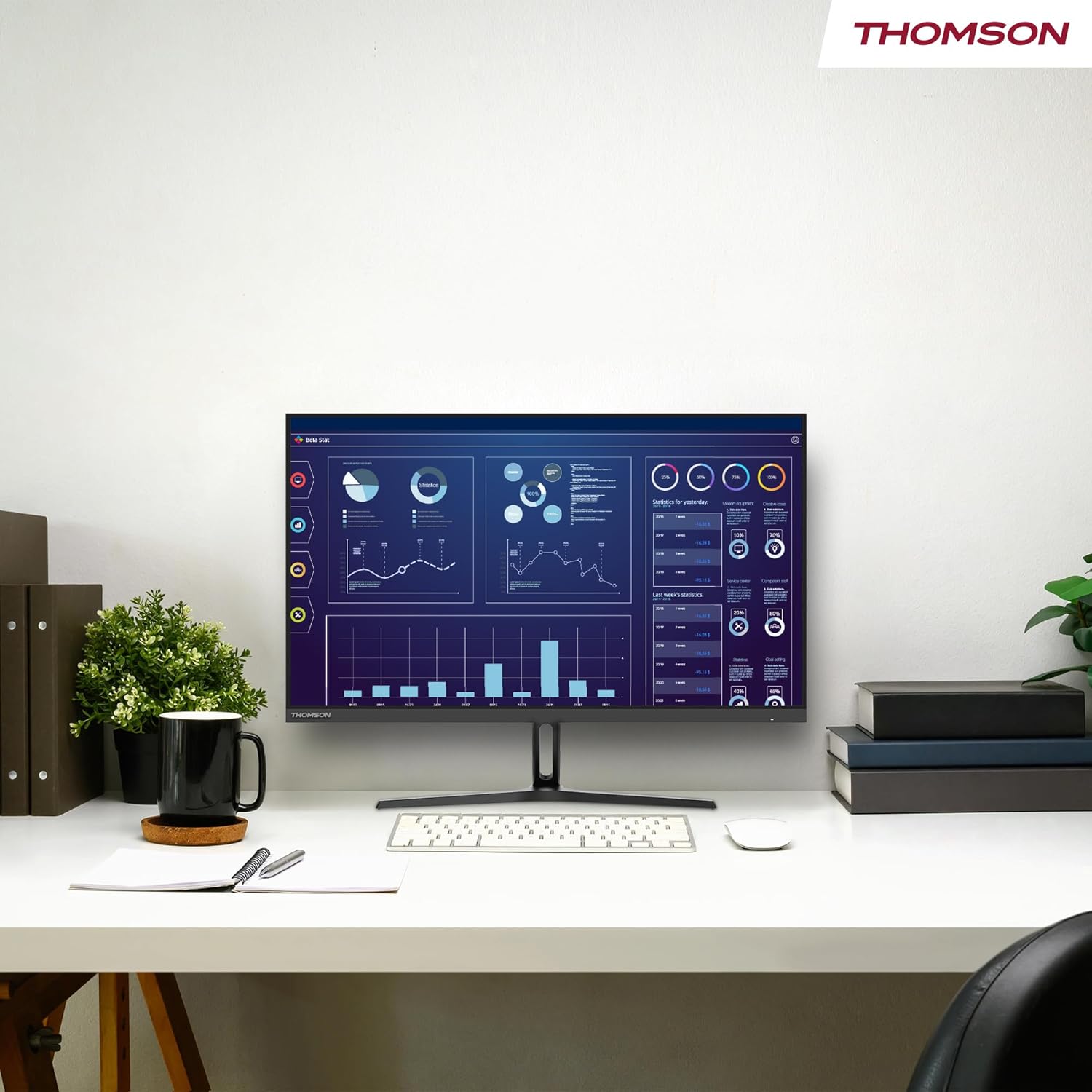
Figura 5.1: The monitor showcasing its color accuracy and display technologies, including HDR10, 110% sRGB coverage, Full HD resolution, IPS panel, and 300 nits brightness.
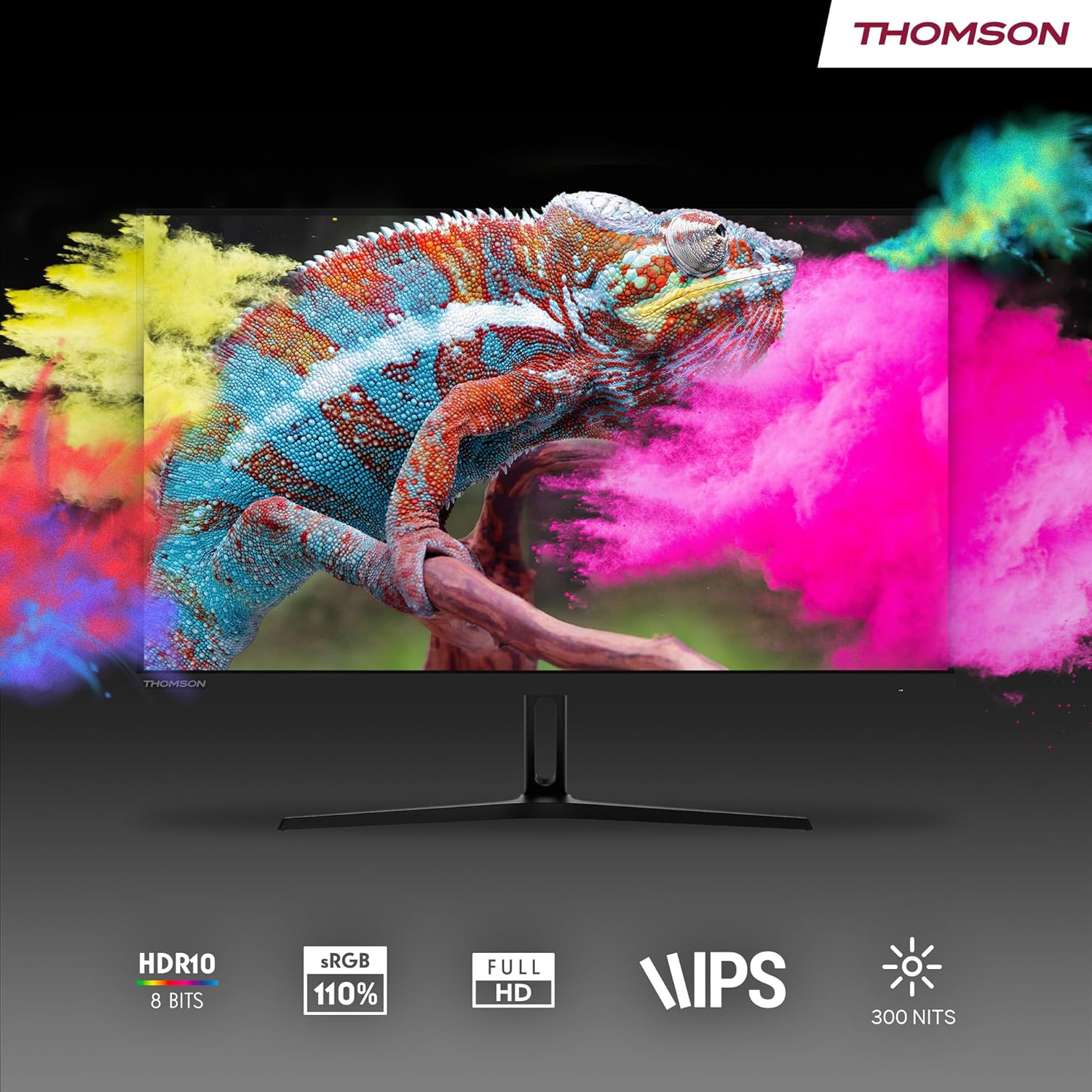
Figura 5.2: A visual comparison demonstrating the difference between 60Hz and 120Hz refresh rates, highlighting the smoother motion provided by 120Hz.
6. Manteniment
Un manteniment adequat garanteix la longevitat i el rendiment òptim del monitor.
- Neteja de la pantalla: Netegeu suaument la pantalla amb un drap suau i sense borrissol. Per a marques difícils, dampen the cloth with a small amount of screen cleaner specifically designed for LCD/LED displays. Do not spray cleaner directly onto the screen.
- Neteja de la Casing: Feu servir un drap suau i sec per netejar el monitor casing. Eviteu utilitzar productes de neteja o dissolvents abrasius.
- Ventilació: Assegureu-vos que les obertures de ventilació del monitor no estiguin bloquejades per evitar el sobreescalfament.
- Apagar: Apagueu sempre el monitor i desendolleu-lo de la presa de corrent abans de netejar-lo o si no el fareu servir durant un període prolongat.
7. Solució De Problemes
If you encounter issues with your monitor, refer to the following troubleshooting guide:
| Problema | Causa possible | Solució |
|---|---|---|
| No hi ha imatge a la pantalla |
|
|
| La imatge és borrosa o distorsionada |
|
|
| No hi ha so dels auriculars |
|
|
| La pantalla parpelleja |
|
|
If the problem persists after trying these solutions, please contact THOMSON customer support.
8. Especificacions
| Característica | Detall |
|---|---|
| Marca | THOMSON |
| Número de model | M27FB2Y15 |
| Mida de la pantalla | 27 polzades (69 cm) |
| Tipus de visualització | LED IPS Panel |
| Resolució | Full HD (1920 x 1080) |
| Relació d'aspecte | 16:9 |
| Freqüència d'actualització | 120 Hz |
| Temps de resposta | 14 mil·lisegons |
| Brillantor | 300 nits |
| Gamma de colors | 110% sRGB |
| Suport HDR | HDR10 (8-bit color depth) |
| Viewangle ing | 178° (Horitzontal/Vertical) |
| Connectivitat | 2x HDMI 1.4, 1x USB Type-C (2.5W), 1x Headphone Jack, DC IN |
| Muntatge VESA | 100 x 100 mm |
| Dimensions (L x A x A) | 50 x 610 x 360 mm (approx. without stand) |
| Pes del producte | 3.7 quilos |
| Característiques especials | Anti-Flicker, Low Blue Light Filter, Anti-Glare Screen, Adaptive Sync |
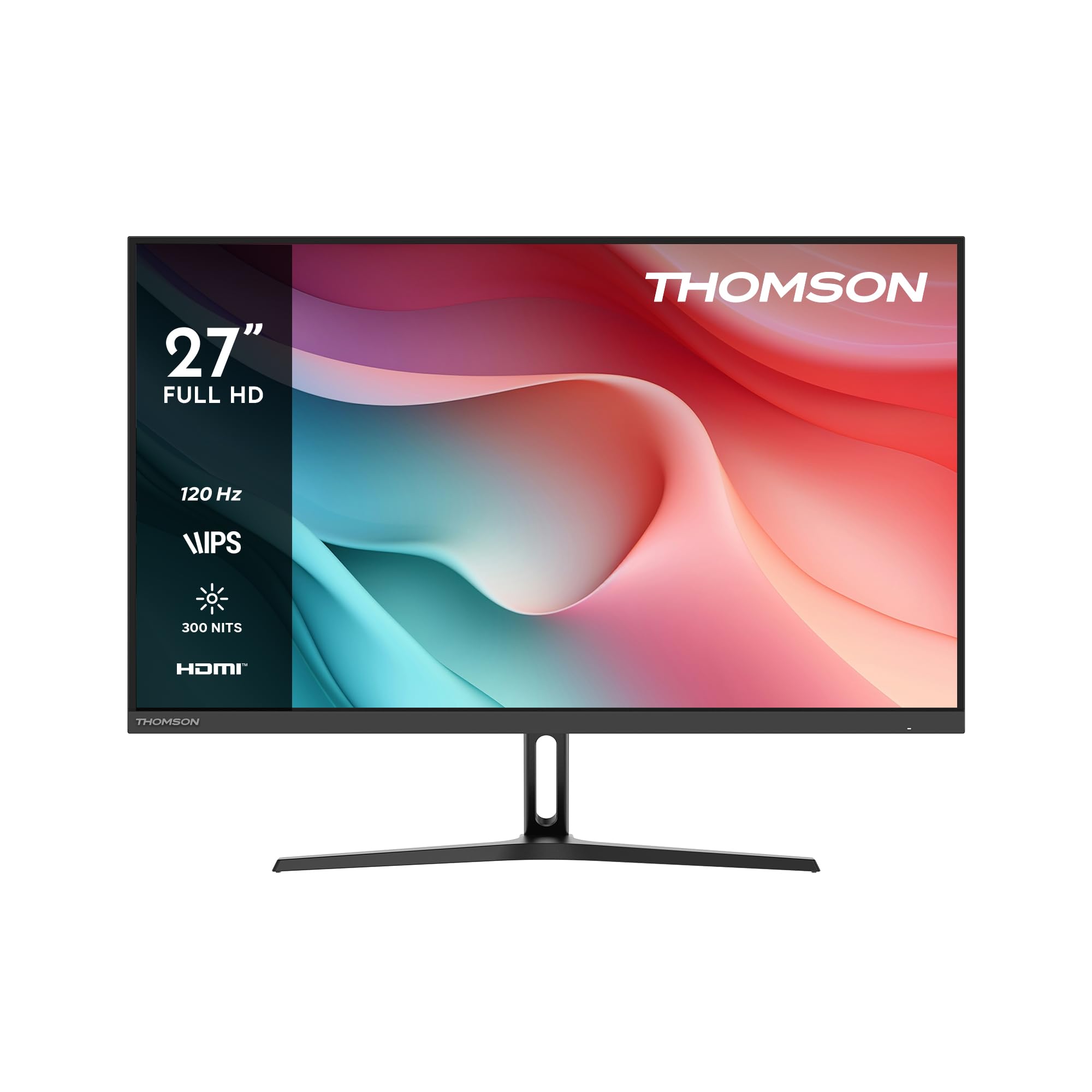
Figura 8.1: Diagram showing the physical dimensions of the THOMSON 27-inch monitor, including width, height, and depth with the stand.
9. Garantia i Suport
Your THOMSON M27FB2Y15 monitor comes with a manufacturer's warranty.
- Període de garantia: 3 years manufacturer's warranty.
- Política de devolució: 30-day refund/replacement policy through Amazon.
- Atenció al client: For technical assistance or warranty claims, please refer to the contact information provided on your warranty card or visit the official THOMSON support weblloc.