1. Introducció
This manual provides essential information for setting up, operating, maintaining, and troubleshooting your OPPO A6 Pro 5G smartphone. Please read this guide thoroughly to ensure proper use and to maximize the device's capabilities.
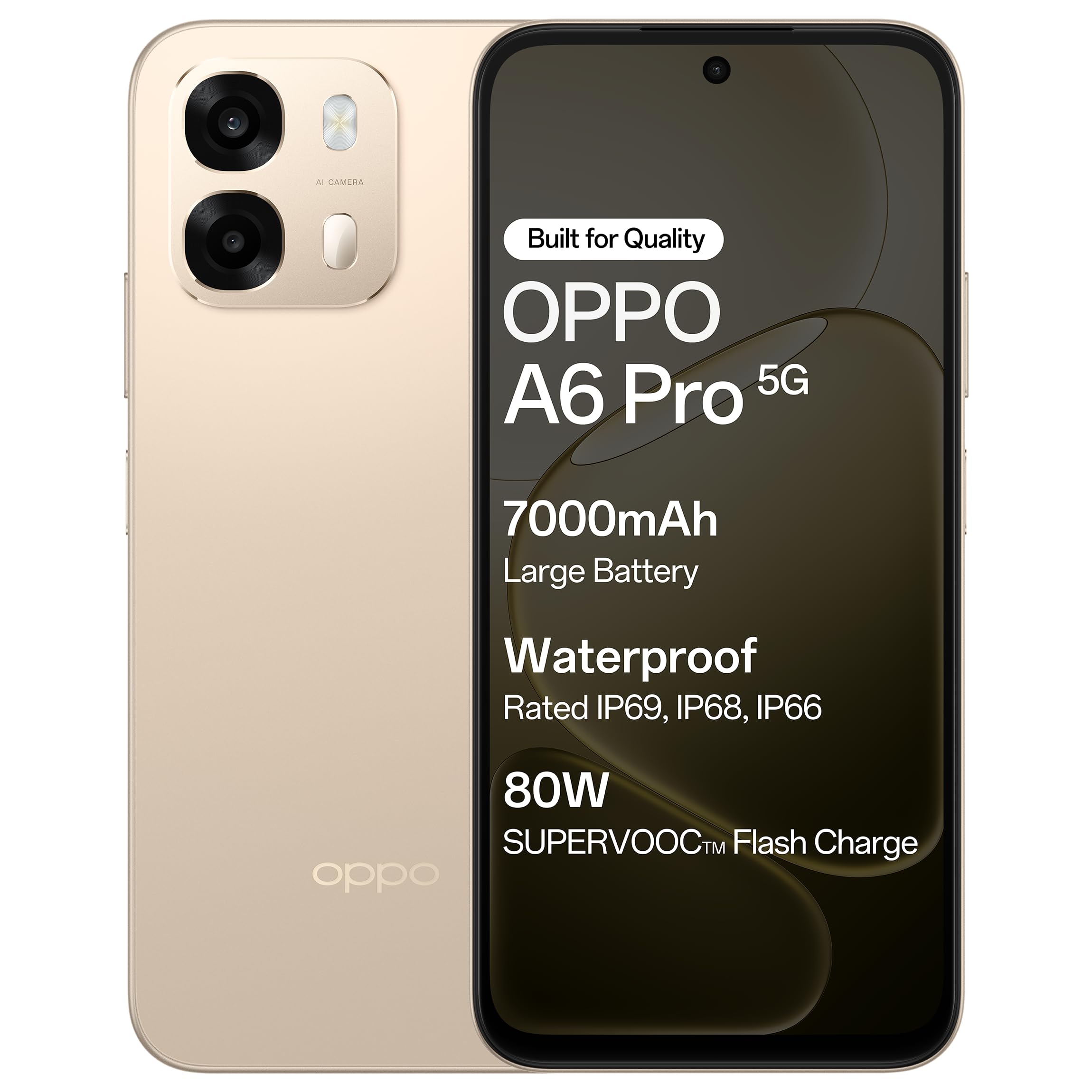
Figura 1.1: Frontal view of the OPPO A6 Pro 5G smartphone.
2. Contingut del paquet
Verifiqueu que tots els elements siguin presents al paquet del producte:
- OPPO A6 Pro 5G Smartphone
- Adaptador d'alimentació
- Cable USB
- Funda de telèfon
- Expulsor de la safata SIM
3. Configuració
3.1. Inserció de la targeta SIM i la targeta SD
- Localitza la safata de la targeta SIM al lateral del dispositiu.
- Introduïu l'eina d'expulsió de la safata de la SIM al forat petit que hi ha al costat de la safata i premeu suaument fins que la safata surti.
- Col·loqueu la targeta (o targetes) nano-SIM i/o la targeta microSD a les ranures designades de la safata. Assegureu-vos que els contactes daurats estiguin mirant cap avall.
- Torneu a inserir la safata amb cura al telèfon fins que encaixi al seu lloc.
3.2. Càrrega inicial
Before first use, it is recommended to fully charge your device. Connect the USB cable to the power adapter and then to the phone's charging port. Plug the power adapter into a wall outlet.

Figure 3.1: The device screen displaying 80W SUPERVOOC Flash Charge status.
3.3. Engegada i configuració inicial
- Premeu i manteniu premut el botó d'engegada (situat al costat dret) fins que aparegui el logotip d'OPPO.
- Segueix les instruccions que apareixen a la pantalla per seleccionar l'idioma i la regió, connectar-te a una xarxa Wi-Fi i configurar el teu compte de Google.
- Configure security features such as fingerprint unlock or face unlock as desired.
4. Instruccions de funcionament
4.1. Navegació bàsica
- Botó d'encesa: Premeu i manteniu premut per encendre/apagar o reiniciar. Premeu breument per bloquejar/desbloquejar la pantalla.
- Botons de volum: Ajusta el volum multimèdia, el volum de les trucades o el volum del to de trucada.
- Gestos tàctils: Toca per seleccionar, llisca per desplaçar-te, pessiga per ampliar.
4.2. Fer trucades i enviar missatges
Tap the Phone icon to make calls. Tap the Messages icon to send and receive text messages.
4.3. Ús de la càmera
Open the Camera app to capture photos and videos. Tap the shutter button to take a picture. Swipe left or right to switch between modes like Photo, Video, Portrait, etc.

Figure 4.1: The 50MP Ultra-Clear Camera capturing a detailed landscape.
4.4. Connectivitat
Access Wi-Fi and Bluetooth settings from the Quick Settings panel (swipe down from the top of the screen) or through the Settings app.

Figure 4.2: AI LinkBoost 3.0 ensures stable online connectivity.
5. Característiques clau
5.1. Visualització
The OPPO A6 Pro 5G features a 17.14 cm (6.75-inch) HD+ IPS LCD Ultra Bright 1125 nits Display with a 120Hz high refresh rate, providing smooth visuals and enhanced outdoor visibility.

Figure 5.1: The 120Hz Ultra Bright Display offers fluid visuals.
5.2. Bateria i càrrega
Equipped with a massive 7000mAh battery, the device supports extended usage. The 80W SUPERVOOC Flash Charge technology allows for rapid charging. Additionally, the phone supports wired reverse charging, enabling it to charge other devices using a C-to-C data cable.
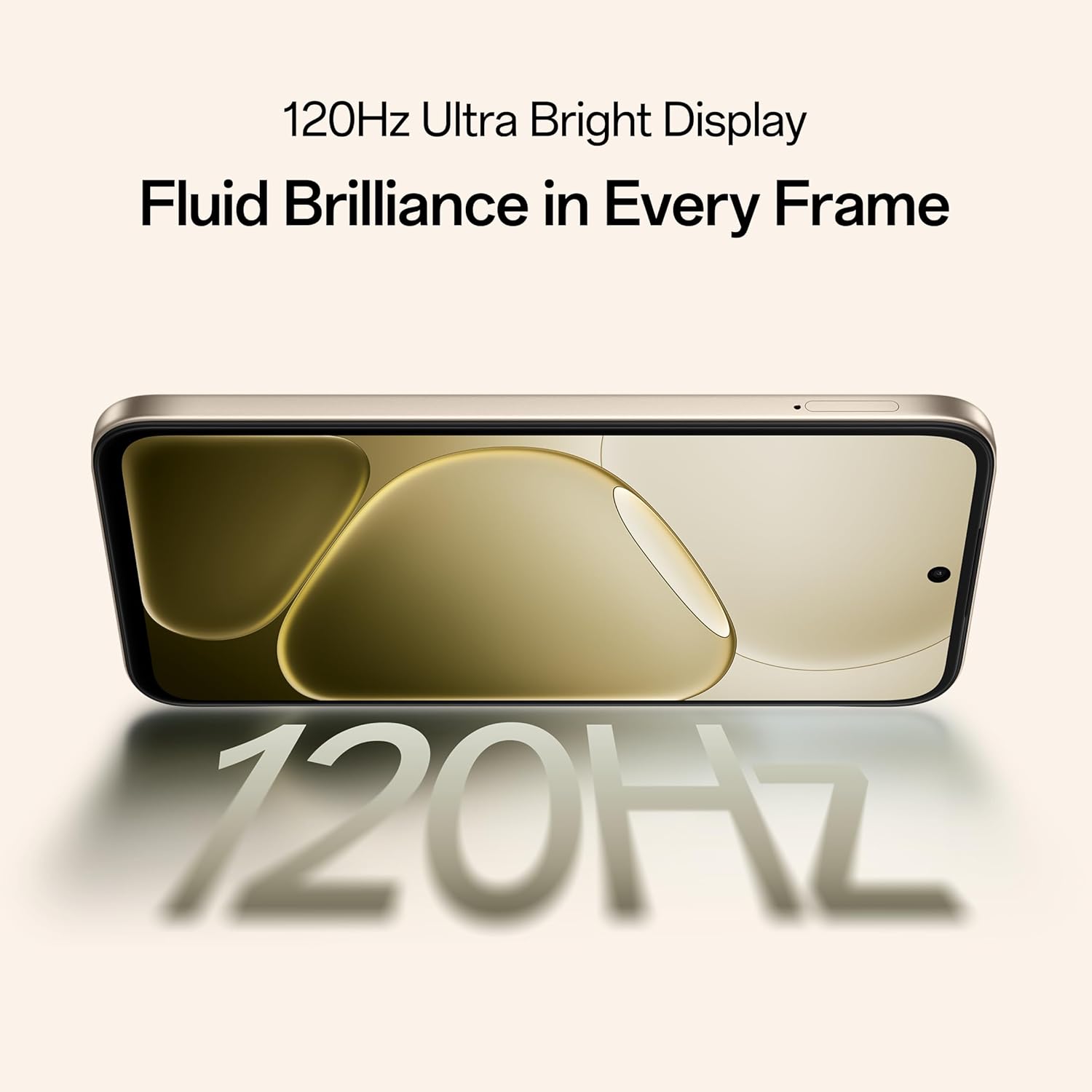
Figure 5.2: Internal representation of the 7000mAh large battery.

Figure 5.3: The device performing reverse wired charging to another gadget.
5.3. Durabilitat
The OPPO A6 Pro 5G features triple IP-rated durability (IP69, IP68, and IP66), providing protection against water jets, immersion, hot water, steam, and dust.

Figure 5.4: The device demonstrating IP69 water and dust resistance.
5.4. Rendiment
Powered by the 6nm MediaTek Dimensity 6300 chipset, the phone offers enhanced performance and power efficiency with reliable 5G connectivity. It is optimized for long-lasting smoothness, tested to deliver up to 60 months of fluency.

Figure 5.5: The MediaTek Dimensity 6300 mobile platform.

Figure 5.6: The device designed for 60-month fluency protection.
5.5. Sistema de refrigeració
An advanced cooling system, featuring a large vapor chamber and expanded graphite layers, helps maintain low temperatures during intensive use, ensuring stable performance.

Figura 5.7: Explotat view illustrating the SuperCool VC System.
5.6. Càmera
The 50MP AI camera includes intelligent features like AI Eraser, AI Recompose, and AI Perfect Shot for enhanced photography.
6. Manteniment
6.1. Neteja del dispositiu
Use a soft, lint-free cloth to clean the screen and body of the phone. Avoid using harsh chemicals or abrasive materials. For stubborn stains, slightly dampen el drap amb aigua.
6.2. Actualitzacions de programari
Comproveu i instal·leu regularment si hi ha actualitzacions de programari per garantir un rendiment òptim, seguretat i accés a noves funcions. Navegueu a Configuració > Quant al dispositiu > Actualitzat per comprovar si hi ha actualitzacions.
6.3. Cura de la bateria
To prolong battery life, avoid exposing the phone to extreme temperatures. It is recommended to keep the battery charge between 20% and 80% for daily use.
6.4. Gestió de l'emmagatzematge
Netegeu periòdicament els innecessaris files, cache data, and uninstall unused applications to free up storage space and maintain device speed. You can manage storage in Configuració > Emmagatzematge.
7. Solució De Problemes
This section addresses common issues you might encounter with your OPPO A6 Pro 5G.
| Problema | Solució |
|---|---|
| El dispositiu no s'encén | Ensure the battery is charged. Connect to the charger for at least 10 minutes, then try powering on again. If it still doesn't work, perform a force restart by holding the Power button and Volume Up button simultaneously for about 10 seconds. |
| Les aplicacions es bloquegen o es bloquegen | Esborra la memòria cau de l'aplicació (Configuració > Aplicacions > [Nom de l'aplicació] > Emmagatzematge > Esborra la memòria cau). Si el problema persisteix, desinstal·la i torna a instal·lar l'aplicació. Assegura't que el programari del dispositiu estigui actualitzat. |
| Poor Wi-Fi or mobile data connection | Restart your phone. Check if Wi-Fi is enabled and you are within range of a known network. For mobile data, ensure your SIM card is properly inserted and mobile data is enabled in settings. Contact your service provider if the issue persists. |
| La bateria s'esgota ràpidament | Reduce screen brightness, disable unused features like Bluetooth/GPS, close background apps, and check battery usage in Settings to identify power-hungry applications. |
8. Especificacions
Key technical specifications for the OPPO A6 Pro 5G (Model CPH2827):
| Característica | Detall |
|---|---|
| Número de model | CPH2827 |
| Sistema operatiu | Android 15 |
| Mostra | 17.14 cm (6.75") HD+ IPS LCD, 120Hz, 1125 nits |
| Processador | MediaTek Dimensió 6300 (6 nm) |
| RAM | 8 GB |
| Emmagatzematge intern | 256 GB |
| Càmera posterior | Càmera AI de 50 MP |
| Capacitat de la bateria | 7000 mAh |
| Carregant | 80W SUPERVOOC Flash Charge, Wired Reverse Charging |
| Connectivitat | 5G, Bluetooth, USB, Wi-Fi |
| Dimensions (LxWxH) | 15.8 x 7.5 x 0.7 cm |
| Pes | 198 g |
| Classificació de durabilitat | IP69, IP68, IP66 |
9. Garantia i Suport
9.1. Informació del fabricant
Fabricant: OPPO MOBILES INDIA PVT LTD.
Adreça: 5a PLANTA, Torre B, EDIFICI, N-8, DLF Cyber City, DLF Fase 2, Gurugram, Haryana 122002, Índia
9.2. Atenció al client
For technical support, warranty claims, or service inquiries, please contact OPPO customer service at 18001032777 or visit the official OPPO weblloc per obtenir més informació.


