1. Introducció
Thank you for choosing the Inefala 2.5K 3-Channel Dash Cam. This device is designed to provide comprehensive video surveillance for your vehicle, offering 360° coverage with front, rear, and interior cameras. Equipped with advanced features such as 2.5K resolution, IR night vision, G-sensor, and parking monitoring, it ensures reliable recording for your safety and peace of mind. Please read this manual carefully before use to ensure proper installation and operation.
2. Contingut del paquet
Marqueu la casella per als elements següents:
- DVR (unitat de càmera de salpicadero)
- Carregador de cotxe
- Manual d'instruccions
- Suport de muntatge
- Càmera posterior
- Cable de la càmera posterior
- 64GB TF Card (Pre-installed or included separately)
3. Producte acabatview i Característiques
The Inefala Dash Cam offers a robust set of features for comprehensive vehicle monitoring:
- Resolució 2.5K HD: Captura un vídeo clar i detallattage from the front camera.
- Gravació de 3 canals: Simultaneously records from the front, interior, and rear cameras, providing 360° coverage.
- 3.16'' Display Screen: Permet en temps real viewi navegació fàcil pels menús.
- 8 IR Night Vision: Enhanced infrared lights ensure excellent video quality in low-light conditions, especially for interior recording.
- 64GB Memory Card Included: Proporciona ample storage for recorded videos.
- Sensor G: Automatically detects sudden impacts or collisions and locks the current video file per evitar la sobreescriptura.
- Supervisió del pàrquing: Activates recording when motion or impact is detected while the vehicle is parked, protecting your car 24/7.
- Enregistrament en bucle: Registra contínuament sobreescrivint el desbloquejat més antic files quan la targeta de memòria està plena.
- Revés View Funció: Displays a clear view from the rear camera with parking guidelines when reversing.
4. Configuració
4.1 Inserció de la targeta de memòria
Before first use, insert the provided 64GB TF card into the dash cam's memory card slot. Ensure the card is inserted correctly with the contacts facing the correct direction. A click indicates it is securely in place. It is recommended to format the memory card within the dash cam settings before initial use.
4.2 Muntatge de la càmera del salpicader
- Netegeu la zona del parabrisa on voleu muntar la càmera del salpicader.
- Fixeu el suport de muntatge a la càmera del salpicader.
- Secure the dash cam with the bracket to the windshield, ensuring it does not obstruct your view. Adjust the camera angle for optimal front road coverage.
4.3 Connexió de potència
- Connecteu el carregador del cotxe al port d'entrada d'alimentació de la càmera del salpicader.
- Connecteu l'altre extrem del carregador de cotxe a la presa de corrent de 12 V del vostre vehicle (endoll de l'encenedor de cigarrets).
- Col·loqueu el cable d'alimentació amb cura al llarg del parabrisa i del quadre de comandament per evitar interferències amb la conducció.
4.4 Instal·lació de la càmera posterior
- Munteu la càmera posterior al parabrisa posterior o a la zona de la matrícula, assegurant una visió clara view.
- Connect the rear camera cable to the rear camera and route it to the main dash cam unit.
- Connecteu el cable de la càmera posterior al port designat de la unitat principal de la càmera del salpicader.
- If the rear camera has a red wire for reverse trigger, connect it to your vehicle's reverse light power supply for automatic reverse view visualització.
5. Instruccions de funcionament
5.1 Encès/Apagat
The dash cam will automatically power on and begin recording when connected to power and the vehicle engine starts. It will power off automatically when the engine is turned off (if connected to a switched power source).
5.2 Enregistrament bàsic
Un cop engegada, la càmera del salpicader iniciarà automàticament la gravació en bucle. Vídeo files are saved in segments (e.g., 1, 3, or 5 minutes) to the memory card. When the card is full, the oldest unlocked files es sobreescriurà.
5.3 Screen Adjustment and Display Modes
The dash cam allows you to switch between different display modes on its 3.16'' screen. This enables you to view footage from the front, rear, interior, or a combination of cameras simultaneously.

Imatge: Screen Adjustment. The dash cam display can be switched to show various camera views, including Front+Back+Inside, Front only, Back only, or Inside only, based on user preference.
5.4 G-Sensor Functionality
The built-in G-sensor detects sudden acceleration, braking, or collisions. When an event is detected, the current video file is automatically locked and saved to a protected folder, preventing it from being overwritten by loop recording. This ensures critical incident footage es conserva.
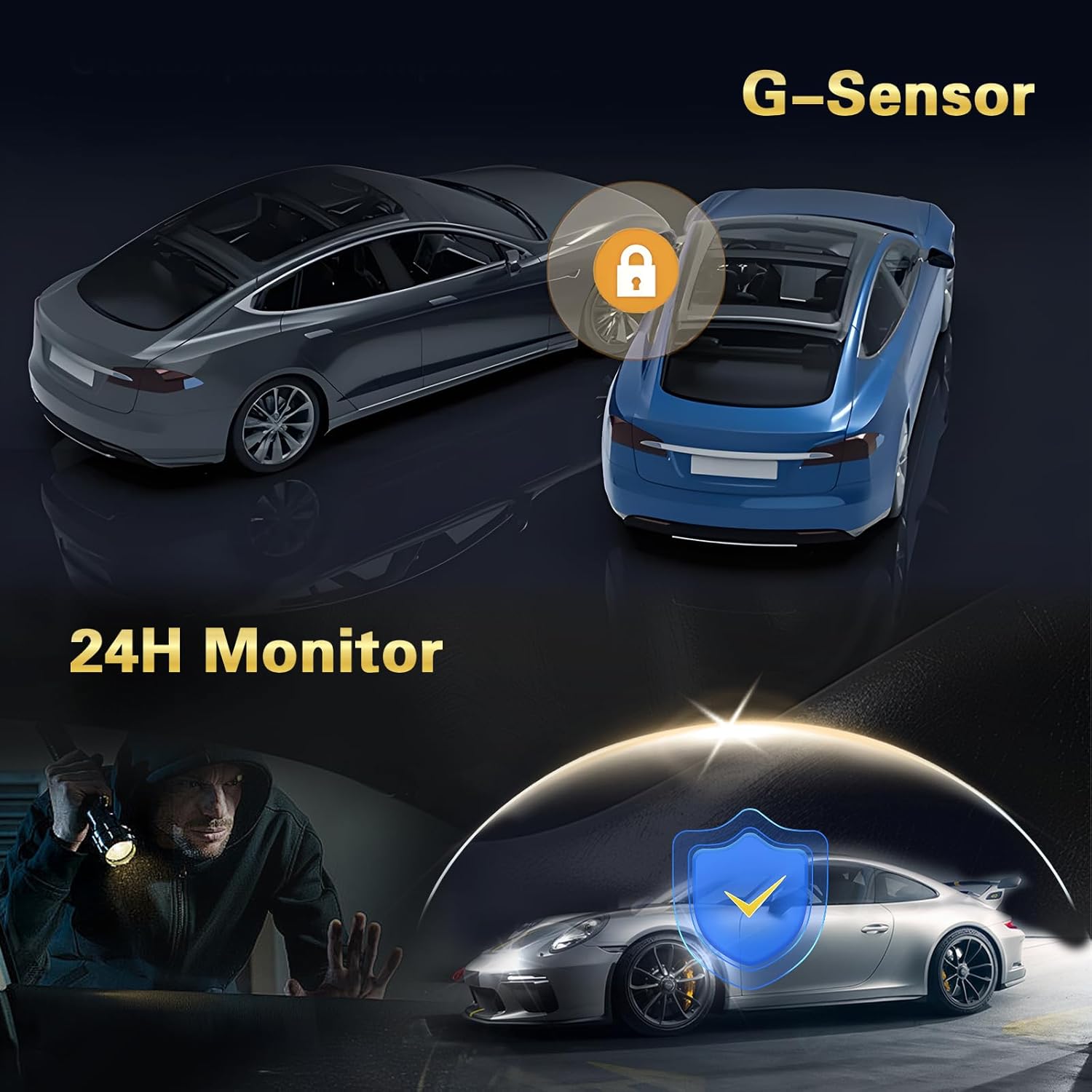
Imatge: G-Sensor and 24H Monitor. The G-Sensor automatically locks video during impacts, while the 24-hour monitor protects the vehicle from theft or damage when parked.
5.5 Monitorització d'aparcaments
With parking monitoring enabled, the dash cam will automatically start recording if it detects motion or an impact while your vehicle is parked and the engine is off. This feature requires a continuous power supply (e.g., a hardwire kit, sold separately) to function 24/7.
5.6 Inversa View Funció
When the rear camera is properly installed and connected to the vehicle's reverse light, the dash cam display will automatically switch to the rear camera view with parking guidelines when the vehicle is put into reverse gear. This assists with safe parking maneuvers.

Imatge: Revés View Function. The dash cam provides a clear rear camera feed with dynamic parking lines to aid in safe and precise vehicle maneuvering during reverse.
5.7 Visió nocturna
The dash cam is equipped with 8 IR lights for enhanced night vision, particularly for the interior camera. This ensures clear recordings even in very dark environments.

Imatge: Super Night Vision. The dash cam features advanced night vision capabilities, ensuring clear video capture in low-light conditions, indicated by the 'Night Mode' icon.
5.8 Enregistrament en bucle
The dash cam continuously records video in a loop. When the memory card reaches its capacity, the oldest unprotected files are automatically overwritten by new recordings. This ensures that recording never stops due to a full card.
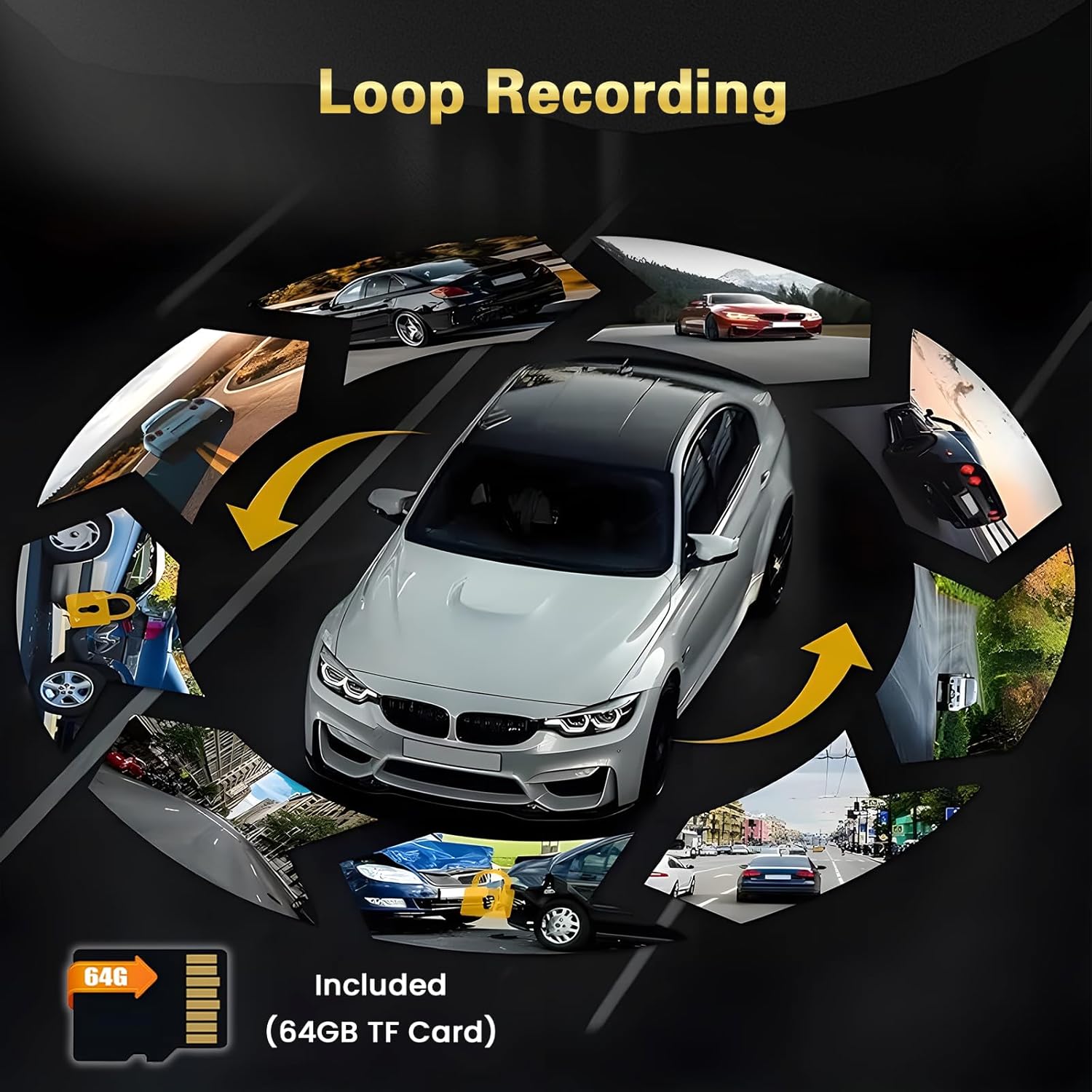
Imatge: Loop Recording. The dash cam continuously records, overwriting older files when the 64GB TF card is full, ensuring uninterrupted video capture.
5.9 Protecció de 360°
With three cameras (front, interior, and rear), the dash cam provides comprehensive 360° coverage around and within your vehicle, minimizing blind spots and enhancing overall security.

Imatge: 360° Protection. The multi-camera system offers wide-angle views (140°, 150°, 120°) to provide comprehensive surveillance around the vehicle.
6. Menú de configuració
Access the settings menu by pressing the Menu button (refer to your device's physical buttons for exact location). Navigate using the up/down buttons and confirm selections with the OK button. Common settings include:
- Resolució: Adjust video resolution for front, interior, and rear cameras.
- Enregistrament en bucle: Set the duration of video segments (e.g., 1, 3, 5 minutes).
- Sensibilitat del sensor G: Adjust the sensitivity of impact detection (Low, Medium, High).
- Monitor d'aparcament: Enable/disable and adjust sensitivity for parking surveillance.
- Data/Hora: Establiu la data i l'hora correctes per a l'hora exactaamps en les gravacions.
- Idioma: Select your preferred language for the menu interface.
- Format de la targeta SD: Erase all data on the memory card. (Avís: This will delete all recordings.)
- Volum: Ajusteu el volum dels altaveus.
- Salvapantalles: Set the time after which the screen turns off automatically.
7. Manteniment
7.1 Formatació de la targeta de memòria
It is recommended to format the memory card regularly (e.g., once a month) to ensure optimal performance and prevent data corruption. Always format the card using the dash cam's menu settings, not on a computer.
7.2 Neteja de les lents
Periodically clean the lenses of all cameras (front, interior, and rear) with a soft, lint-free cloth. Avoid using abrasive cleaners that could scratch the lens surface. Clean lenses ensure clear video quality.
7.3 actualitzacions de microprogramari
Comproveu el del fabricant website periodically for any available firmware updates. Firmware updates can improve performance, add new features, or fix bugs. Follow the instructions provided with the firmware update carefully.
8. Solució De Problemes
- La Dash Cam no s'encén:
- Ensure the car charger is properly connected to both the dash cam and the vehicle's power outlet.
- Check if the vehicle's 12V power outlet is functioning.
- Try a different power source or cable if available.
- La gravació s'atura o files are corrupted:
- Format the memory card using the dash cam's settings.
- Ensure you are using a high-speed (Class 10 or U3) TF card.
- The memory card may be faulty; try replacing it.
- La qualitat del vídeo és deficient:
- Netegeu les lents de la càmera.
- Assegureu-vos que s'hagi tret la pel·lícula protectora de les lents.
- Check the video resolution settings in the menu.
- G-Sensor is too sensitive or not sensitive enough:
- Adjust the G-sensor sensitivity setting in the menu (Low, Medium, High) to suit your driving conditions.
- Parking Monitor is not working:
- Ensure the parking monitor feature is enabled in the settings.
- Verify that the dash cam is receiving continuous power when the vehicle is off (requires a hardwire kit).
9. Especificacions
| Marca | Inefala |
| Número de model | Inefala-L5970G64DE53-C490 |
| Tecnologia de connectivitat | Bluetooth, USB |
| Mètode de control | Toca |
| Dimensions del producte (PxWxH) | 3.9P x 12l x 4.5h cm |
| Dispositius compatibles | Smartphone |
| Piles incloses | No |
| País d'origen | Xina |
10. Garantia i Suport
This Inefala Dash Cam comes with a Garantia del producte de 24 mesos. We also offer assistència en línia de per vida for consultations and aim to respond to inquiries within 24 hours. For technical assistance or warranty claims, please contact Inefala customer support through the retailer where you purchased the product or visit the official Inefala weblloc per obtenir informació de contacte.


