Introducció
The LaCie Rugged USB-C is a portable external hard drive designed for reliable data storage and transfer. It features a durable enclosure providing resistance against drops, shocks, dust, and rain, making it suitable for various environments. This manual provides essential instructions for its proper setup, operation, and maintenance.

Image: The LaCie Rugged USB-C drive is shown in a bag, highlighting its portable design.
Producte acabatview
Característiques clau
- USB-C connectivity for modern computers, compatible with Thunderbolt 3.
- Resistance to drops, shocks, dust, and rain for enhanced durability.
- Designed for seamless use with both Mac and Windows operating systems.
- Includes Rescue Data Recovery Services for added peace of mind.
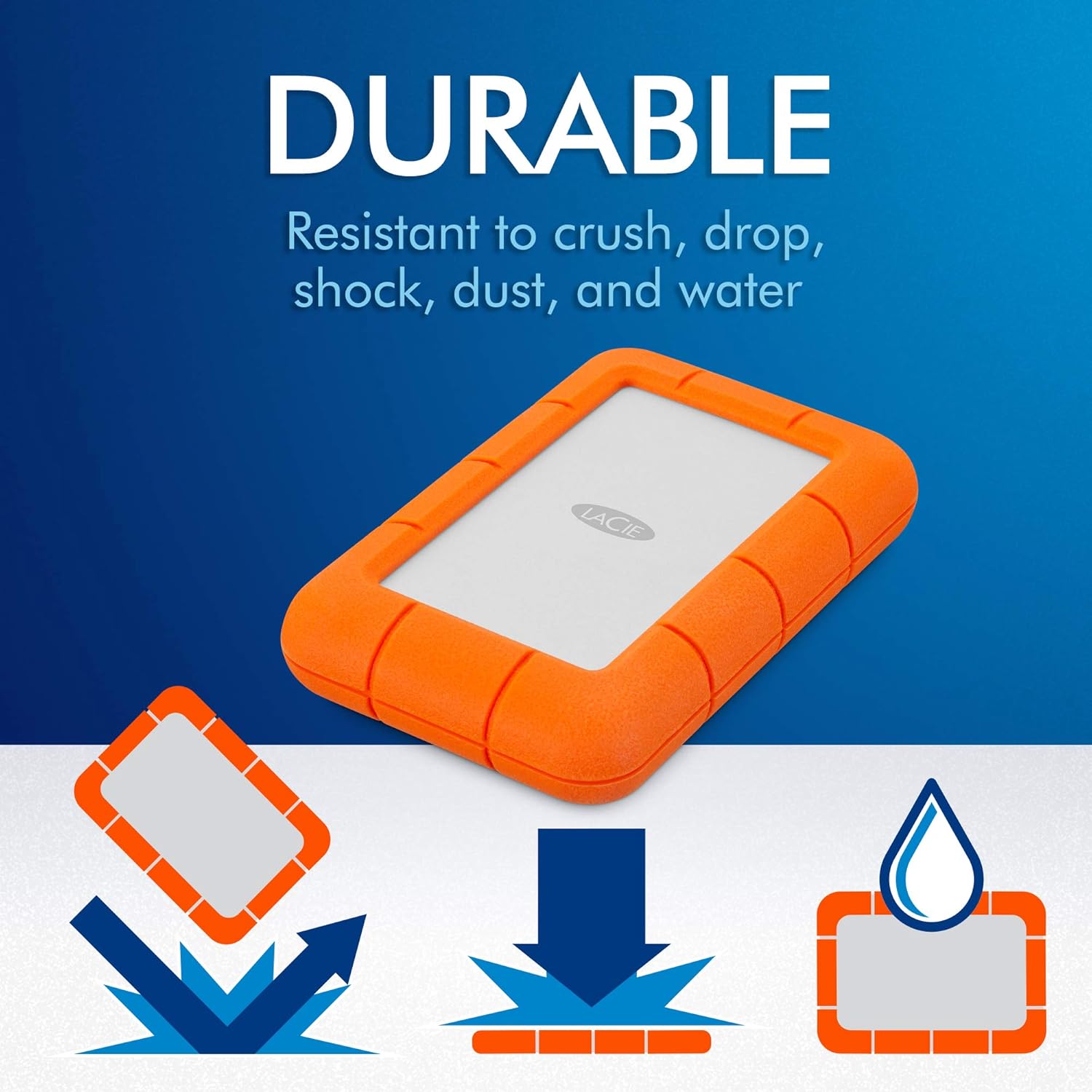
Image: Visual representation of the drive's resistance to drops, crushing, and water.
Què hi ha a la caixa
- LaCie Rugged USB-C drive (5TB)
- Cable USB-C
- Cable USB-C a USB-A
- Guia d'instal·lació ràpida
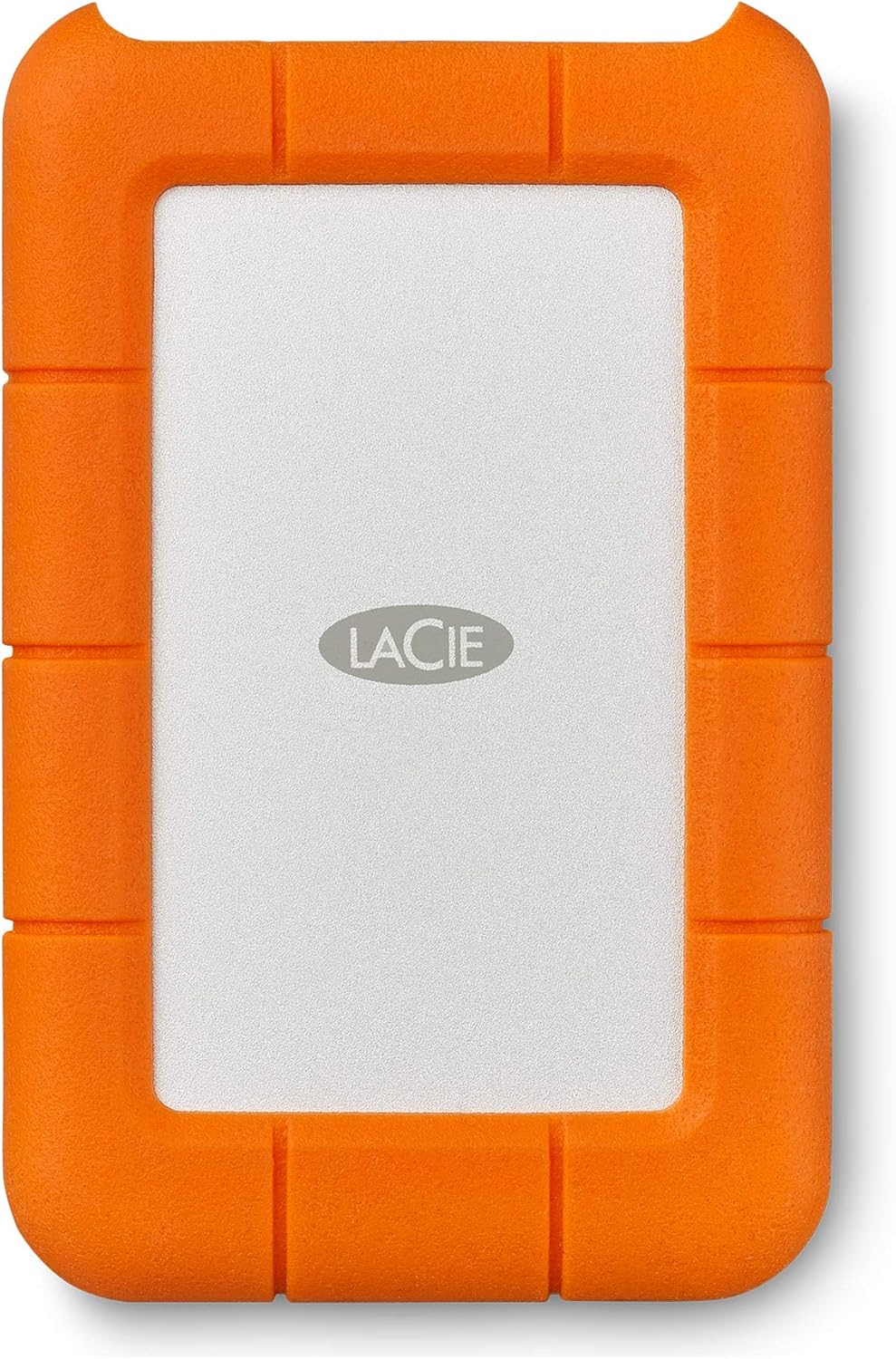
Imatge: Un primer pla view of the LaCie Rugged USB-C drive.
Configuració
Connexió de la unitat
- Use the provided USB-C cable to connect the LaCie Rugged drive to a USB-C port on your computer.
- Alternatively, use the provided USB-C to USB-A cable for computers equipped with standard USB-A ports.

Image: The LaCie Rugged USB-C drive connected to a laptop.
Initial Software Installation
Upon first connection, the drive may prompt you to install necessary software for full functionality and optimal performance. Follow the on-screen instructions to complete the installation. It is recommended to install official LaCie software for access to features like data encryption and backup utilities.
Formatatge
The drive may come pre-formatted for either Windows (NTFS) or macOS (HFS+). For cross-platform compatibility, consider formatting the drive to exFAT or FAT32.
Warning: Formatting the drive will erase all data. Back up any existing data before proceeding.
- Per a Windows: Open Disk Management, locate the LaCie drive, right-click, and select "Format." Choose the desired file sistema.
- Per a macOS: Open Disk Utility, select the LaCie drive, click "Erase," and choose the desired format (e.g., APFS, Mac OS Extended (Journaled), exFAT).
Instruccions de funcionament
Transferència de dades
Per transferir files, simply drag and drop them to and from the LaCie Rugged drive icon, which appears on your desktop (macOS) or in your File Explorador (Windows).
Expulsió segura
Always safely eject the drive before disconnecting it from your computer to prevent data corruption or loss.
- Per a Windows: Right-click the drive icon in the system tray and select "Safely Remove Hardware and Eject Media."
- Per a macOS: Drag the drive icon to the Trash or right-click the drive icon on the desktop and select "Eject."
Font d'alimentació
The LaCie Rugged USB-C drive is USB powered and does not require an external power adapter.
Manteniment
Cura Física
- Keep the drive's rubber casing clean. Wipe with a soft, damp tela si cal.
- Avoid exposing the drive to extreme temperatures or direct sunlight for extended periods.
- Ensure the port cover is securely closed when not in use to maintain dust and water resistance.
Integritat de les dades
- Regularly back up important data stored on the drive to another location.
- Periodically check the drive's health using disk utility tools provided by your operating system.
Serveis de recuperació de dades de rescat
This product includes Rescue Data Recovery Services. In the event of unexpected data loss due to physical damage or software issues, contact LaCie support for assistance with data recovery. This service provides an additional layer of protection for your valuable data.

Image: Details about LaCie's Rescue Data Recovery Services.
Resolució de problemes
Drive Not Recognized
- Assegureu-vos que el cable USB estigui connectat correctament tant a la unitat com a l'ordinador.
- Proveu un port USB diferent a l'ordinador.
- Prova amb un cable USB diferent.
- Reinicieu l'ordinador.
- Check Disk Management (Windows) or Disk Utility (macOS) to see if the drive is detected but unformatted or uninitialized.
- Verify that necessary LaCie software drivers are installed.
Velocitats de transferència lentes
- Ensure you are using a USB 3.0 or USB-C port for optimal speeds. Connecting to a USB 2.0 port will result in slower performance.
- Tanqueu altres aplicacions que puguin estar utilitzant recursos del sistema o realitzant transferències en segon pla.
- Check the health of the drive using your operating system's disk utility tools.
Drive Disconnects Randomly
- Assegureu-vos que la connexió del cable sigui estable i no estigui fluixa.
- Disable USB selective suspend settings (Windows) or check power management settings for USB devices to prevent the computer from turning off the USB port.
- Assegureu-vos que els controladors USB de l'ordinador estiguin actualitzats.
Especificacions
| Característica | Detall |
|---|---|
| Capacitat | 5 TB (5000 GB) |
| Interfície | USB 3.2 (compatible with USB-C, USB 3.0, Thunderbolt 3) |
| Tipus de disc dur | Disc dur mecànic |
| Velocitat de rotació | 5400 RPM |
| Dimensions (LxWxH) | 1.02 x 3.39 x 5.32 polzades (2.59 x 8.61 x 13.51 cm) |
| Pes | 14.1 unces (400 grams) |
| Compatibilitat de sistemes operatius | Mac, PC |
| Font d'alimentació | Alimentat per USB |
| Resistència | Drop, Shock, Dust, Rain resistant |
| Número de model | STFR5000800 |
Garantia i Suport
Garantia del producte
This LaCie product is covered by a limited warranty. For specific warranty terms and conditions, please refer to the documentation included with your product or visit the official LaCie support weblloc.
Serveis de recuperació de dades de rescat
As mentioned, this product includes data recovery services. For assistance with data recovery, visit the LaCie support website and navigate to the Rescue Data Recovery section.
Suport en línia
For further assistance, frequently asked questions (FAQs), and driver downloads, visit the official LaCie support weblloc: www.lacie.com/support.


