1. Introducció
The LaCie Rugged Mini is a portable external hard drive designed for robust data storage and transport. It features a durable, rubberized casing that provides resistance against shock, drops, rain, and pressure, making it suitable for various environments. This compact device offers 5TB of storage capacity and utilizes USB 3.0 connectivity for fast data transfers, compatible with both PC and Mac operating systems.
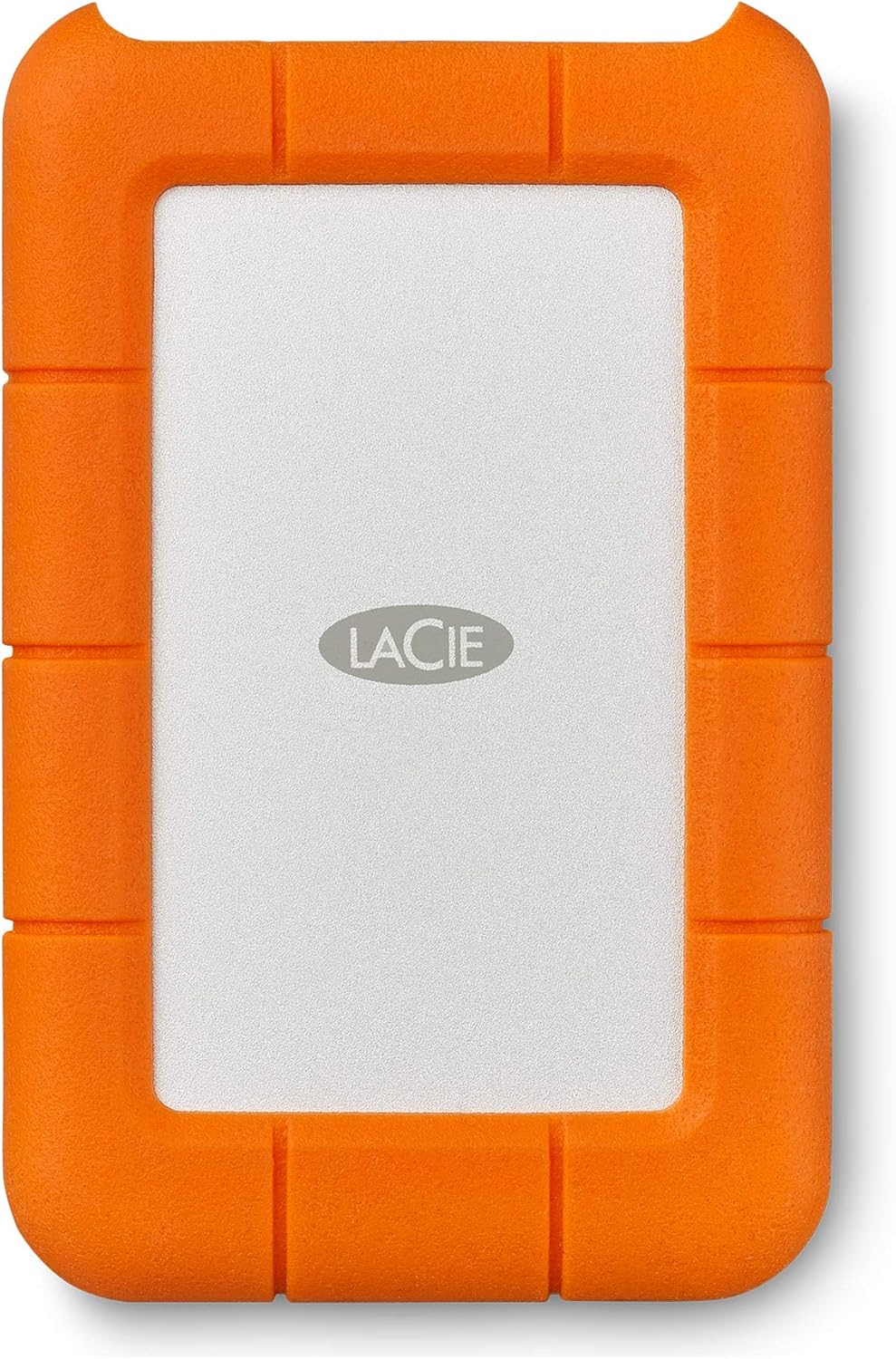
Imatge 1.1: Frontal view of the LaCie Rugged Mini external hard drive, showcasing el seu disseny taronja i gris.
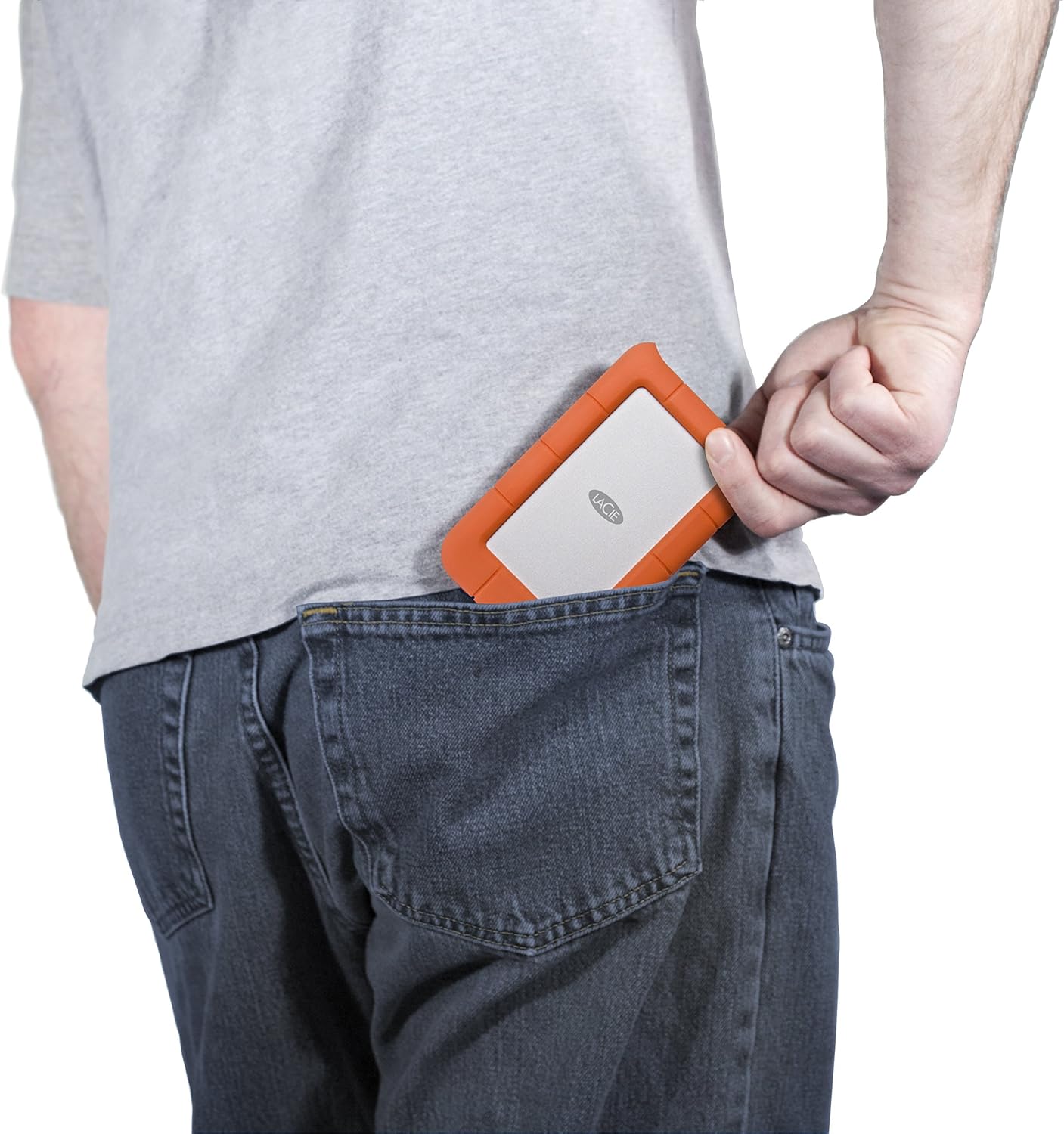
Image 1.2: The LaCie Rugged Mini being placed into a back pocket, illustrating its compact size and portability.
Característiques principals:
- Durabilitat: Shock, drop, rain, and pressure resistant rubberized casing.
- Capacitat: 5TB of storage for large files and backups.
- Connectivitat: USB 3.0 interface for high-speed data transfer.
- Compatibilitat: Works with both Windows PC and Mac systems.
- Portabilitat: Compact 2.5-inch form factor for easy transport.
2. Contingut del paquet
Verifiqueu que tots els elements estiguin presents a l'embalatge del producte:
- LaCie Rugged Mini 5TB External Hard Drive
- Cable USB 3.0
- Guia d'inici ràpid (no inclosa en aquest manual)
3. Configuració
3.1 Connexió de la unitat
- Locate the USB 3.0 port on your LaCie Rugged Mini.
- Connect one end of the provided USB 3.0 cable to the drive's port.
- Connect the other end of the USB 3.0 cable to an available USB 3.0 port on your computer (PC or Mac).
- The drive will power on automatically via the USB connection.

Imatge 3.1: Primer pla view of the LaCie Rugged Mini, highlighting the USB 3.0 port for connection.

Image 3.2: The LaCie Rugged Mini connected to a laptop via its USB cable, demonstrating a typical setup.
3.2 Initial Software and Formatting
Upon initial connection, your computer may prompt you to install LaCie software. This software can assist with drive management, security features (such as encryption), and cross-platform compatibility. It is recommended to follow the on-screen instructions for installation.
The drive comes pre-formatted for general use. If you need to reformat the drive for specific operating system requirements or partitioning, use your computer's disk utility (Disk Management for Windows, Disk Utility for Mac). Be aware that reformatting will erase all data on the drive.
4. Funcionament del dispositiu
4.1 Transferència Files
Per transferir files, simply drag and drop them to and from the LaCie Rugged Mini icon that appears on your desktop or in your file explorer/finder window. The USB 3.0 interface ensures efficient transfer speeds for large files.
4.2 Expulsió segura
Always safely eject the LaCie Rugged Mini before disconnecting it from your computer to prevent data corruption.
- Windows: Right-click the drive icon in 'This PC' or the system tray and select 'Eject'.
- Mac: Drag the drive icon to the Trash, or click the Eject button next to the drive in a Finder window.
4.3 Protecció de dades
The LaCie Rugged Mini's robust design provides physical protection. For enhanced data security, consider utilizing the encryption features available through LaCie's bundled software, if installed.
5. Manteniment
5.1 Cura i manipulació
While the LaCie Rugged Mini is designed for durability, proper care extends its lifespan:
- Eviteu exposar la unitat a temperatures extremes o a la llum solar directa durant períodes prolongats.
- Assegureu-vos que el port USB estigui lliure de pols i brutícia abans de connectar el cable.
- No intenteu obrir la unitat casing, ja que això anul·larà la garantia i pot fer malbé el dispositiu.
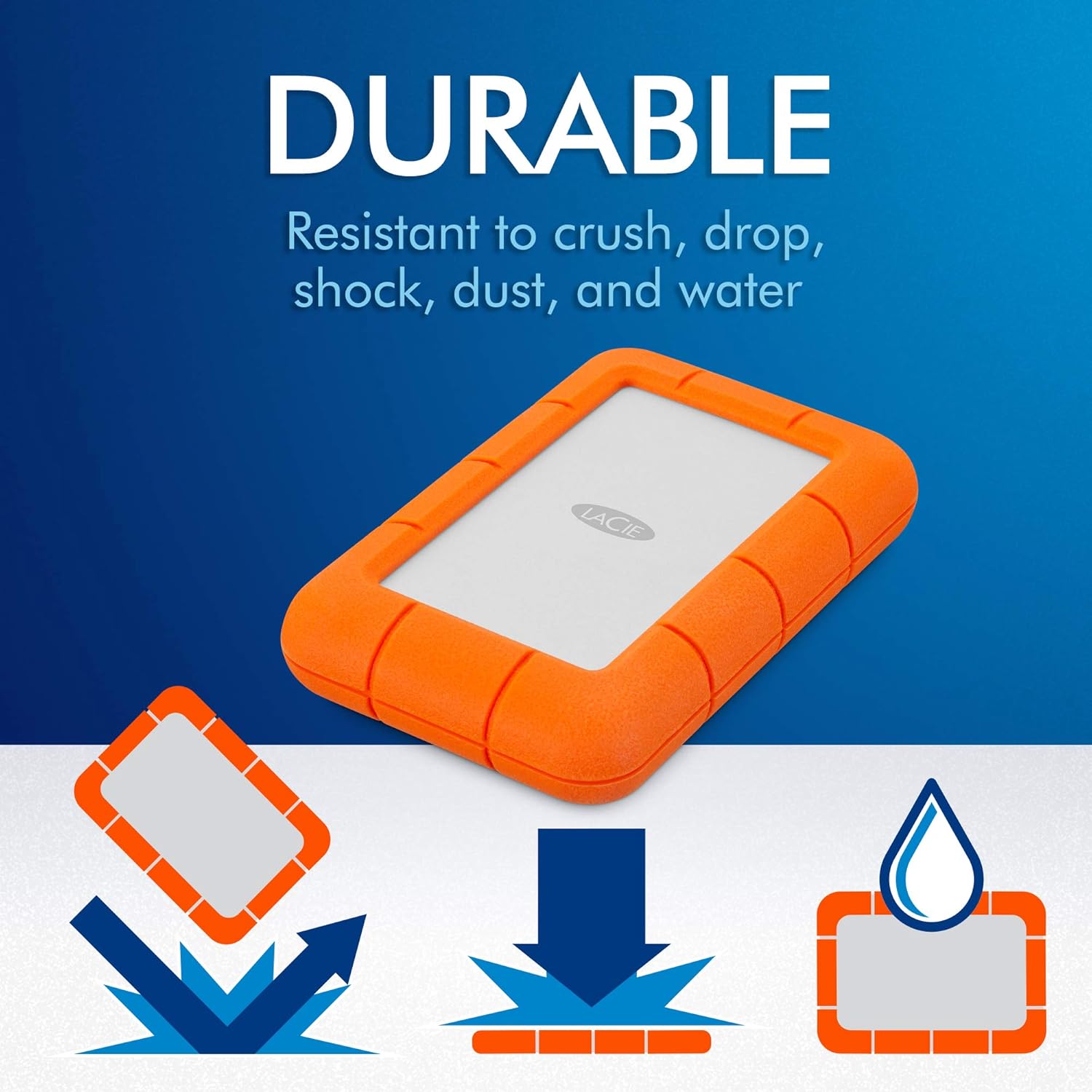
Image 5.1: Icons depicting the LaCie Rugged Mini's resistance to drops, crushing, shock, dust, and water.
5.2 Neteja
To clean the exterior of the drive, use a soft, dry, lint-free cloth. Do not use harsh chemicals or abrasive materials.
6. Solució De Problemes
If you encounter issues with your LaCie Rugged Mini, consider the following:
- Unitat no reconeguda:
- Assegureu-vos que el cable USB estigui connectat correctament tant a la unitat com a l'ordinador.
- Proveu de connectar-vos a un altre port USB de l'ordinador.
- Proveu la unitat amb un cable USB diferent si en teniu.
- Reinicieu l'ordinador.
- Check your computer's Disk Management (Windows) or Disk Utility (Mac) to see if the drive is detected but unformatted or has a drive letter conflict.
- Velocitats de transferència lentes:
- Assegureu-vos que esteu connectat a un port USB 3.0 de l'ordinador. Els ports USB 2.0 tindran velocitats més lentes.
- Tanqueu totes les aplicacions innecessàries que s'executen en segon pla.
- Verify your computer's drivers are up to date.
- La unitat es desconnecta aleatòriament:
- Assegureu-vos que el cable USB no estigui fluix.
- Disable USB selective suspend settings in Windows Power Options if applicable.
- Ensure your computer's power supply is adequate.
If issues persist, refer to the LaCie support weblloc per obtenir més ajuda.
7. Especificacions
| Característica | Especificació |
|---|---|
| Número de model | STJJ5000400 |
| Capacitat d'emmagatzematge digital | 5 TB |
| Interfície de disc dur | USB 3.0 |
| Tecnologia de connectivitat | USB |
| Factor de forma del disc dur | 2.5 polzades |
| Dispositius compatibles | PC, Mac |
| Pes de l'article | 11.6 unces (aproximadament 329 grams) |
| Velocitat de rotació del disc dur | 5400 RPM |
| Color | Orange/Grey |
8. Garantia i Suport
8.1 LaCie Rescue Data Recovery Services
The LaCie Rugged Mini includes Rescue Data Recovery Services, providing an additional layer of protection for your data against unexpected loss due to technical faults, viruses, or natural disasters. This service aims to restore valuable personal images, videos, and documents.

Image 8.1: Information graphic about LaCie Rescue Data Recovery Services, explaining how data can be recovered.
For more details on how to utilize these services, please refer to the documentation included with your product or visit the official LaCie support weblloc.
8.2 Suport tècnic
For further technical assistance, product registration, or warranty information, please visit the official LaCie support website. You can typically find FAQs, driver downloads, and contact options for customer service there.


