1. Introducció
This manual provides detailed instructions for the safe and efficient operation of your NIIMBOT D101 Label Maker Machine. Please read this manual thoroughly before using the device and retain it for future reference.
The NIIMBOT D101 is a portable, wireless label printer designed for various labeling needs in home and office environments. It utilizes thermal printing technology, eliminating the need for ink or toner.

Figure 1: NIIMBOT D101 Label Maker Machine
2. Contingut del paquet
Verifiqueu que tots els elements siguin presents al paquet:
- 1x NIIMBOT D101 Label Maker Machine
- 1 x manual d'usuari
- 1x cable USB
- 1x Roll of 0.6*1.6 inch (160pcs) Label Tape (pre-installed or included separately)
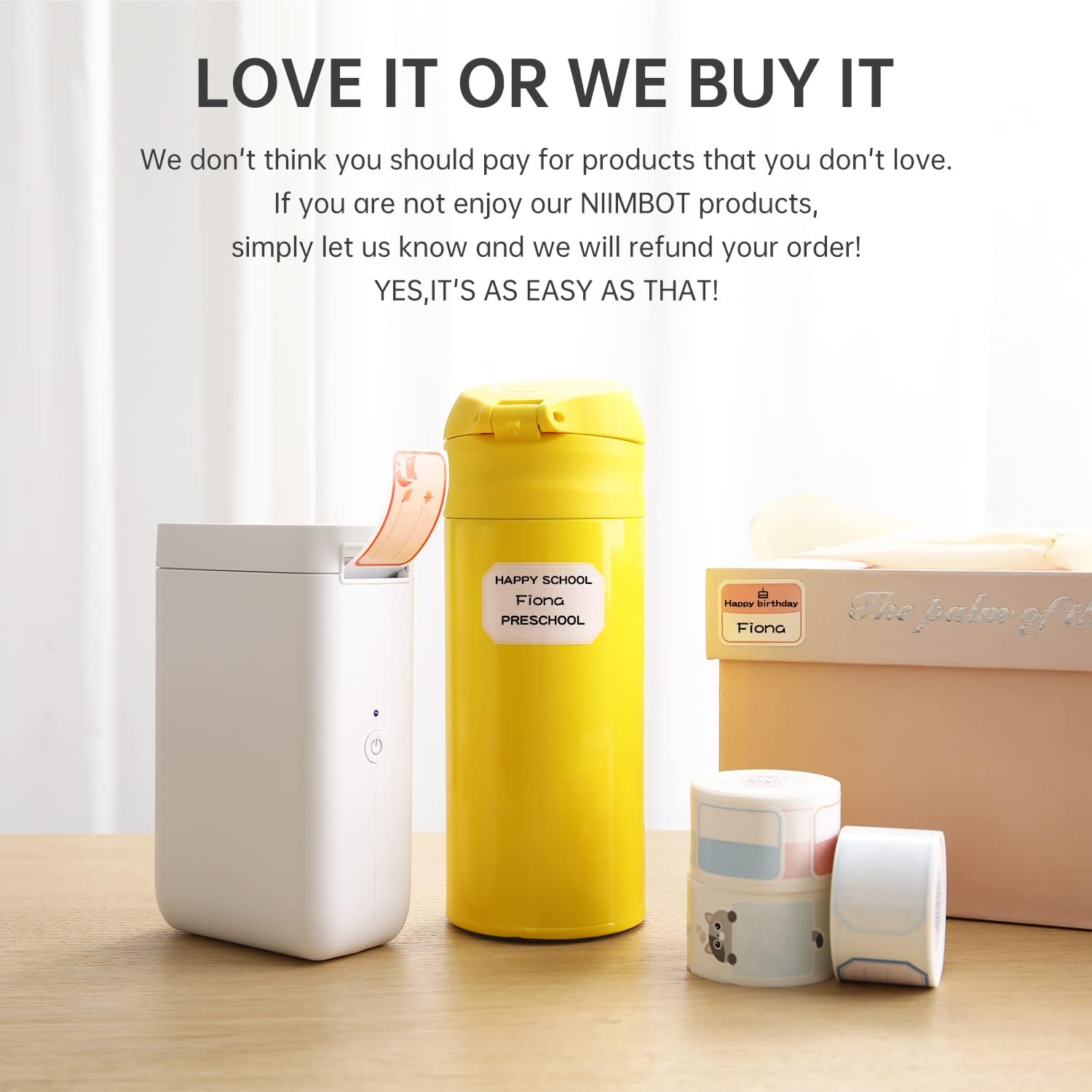
Figura 2: Contingut del paquet
3. Configuració
3.1 Càrrega del dispositiu
The NIIMBOT D101 is equipped with a rechargeable battery. Before first use, fully charge the device using the provided USB cable. Connect the USB cable to the charging port on the label maker and to a standard USB power adapter (not included) or computer USB port.
- Una càrrega completa sol trigar aproximadament 2-3 hores.
- El llum indicador mostrarà l'estat de càrrega (per exemple, vermell per a la càrrega, verd per a la càrrega completa).
3.2 Instal·lació del paper d'etiquetes
- Obriu la tapa del compartiment d'etiquetes.
- Insert the label roll with the printing surface facing upwards, ensuring it aligns correctly within the compartment.
- Pull a small portion of the label paper out through the printing slot.
- Tanqueu bé la tapa del compartiment d'etiquetes.

Figure 3: Installing Label Paper
The D101 supports both 0.5-inch and 1-inch label tapes. For 0.5-inch labels, keep the separator in place. For 1-inch labels, the separator can be removed flexibly.

Figure 4: Label Width Adjustment
3.3 Instal·lació i connexió de l'aplicació
- Download the "NIIMBOT" app from your device's app store (App Store for iOS, Google Play for Android).
- Assegureu-vos que el Bluetooth estigui habilitat al vostre telèfon intel·ligent.
- Turn on the NIIMBOT D101 label maker by pressing and holding the power button. The indicator light will illuminate.
- Open the NIIMBOT app. The app will automatically search for nearby devices. Select your D101 from the list to connect. The device ID is typically found on the product packaging or device itself (e.g., D101-QC0300908).

Figure 5: NIIMBOT App Download

Figure 6: Connecting via Bluetooth
4. Instruccions de funcionament
4.1 Creating and Editing Labels
Once connected, use the NIIMBOT app to design your labels. The app offers various features:
- Entrada de text: Enter text, numbers, and symbols.
- Plantilles: Utilitzeu plantilles predissenyades per a tasques d'etiquetatge habituals.
- Fonts & Styles: Choose from multiple fonts, sizes, and styles.
- Graphics & Icons: Add various graphics, logos, barcodes, and QR codes.
- Voice & Picture Recognition: The app supports intelligent recognition for easier input.

Figure 7: Label Editing Interface
4.2 Impressió d'etiquetes
Després de dissenyar l'etiqueta a l'aplicació:
- Review the label design on your smartphone screen.
- Tap the "Print" button within the app.
- The label maker will print the label.
- Carefully tear off the printed label along the serrated edge.

Figure 8: Printing a Label
5. Manteniment
5.1 Neteja del capçal d'impressió
Per garantir una qualitat d'impressió òptima, netegeu regularment el capçal d'impressió. Utilitzeu un drap suau i sense borrissol, netegeu-lo suaument.ampened with isopropyl alcohol. Gently wipe the print head surface. Do not use abrasive materials or sharp objects.
5.2 Cura de la bateria
- Carregueu el dispositiu regularment, fins i tot si no l'utilitzeu amb freqüència, per mantenir la bateria en bon estat.
- Eviteu exposar el dispositiu a temperatures extremes.
- If the device will not be used for an extended period, charge it to approximately 50% before storage.
6. Solució De Problemes
| Problema | Causa possible | Solució |
|---|---|---|
| El dispositiu no s’encén. | Bateria baixa. | Carregueu el dispositiu amb el cable USB. |
| No es pot connectar per Bluetooth. | Bluetooth is off on phone; device is out of range; app issue. | Ensure Bluetooth is enabled. Move phone closer to device. Restart the app and device. |
| Poca qualitat d'impressió. | Print head dirty; incorrect label roll installation; low battery. | Clean the print head. Reinstall the label roll correctly. Charge the device. |
| Labels not feeding correctly. | Label roll jammed or improperly installed. | Open the compartment, clear any jams, and reinstall the label roll. |
7. Especificacions
| Característica | Detall |
|---|---|
| Model | D101 |
| Dimensions | 1.8 "P x 2.1" W x 4.6" H |
| Pes | 8.3 unces (0.24 quilograms) |
| Connectivitat | Bluetooth, USB |
| Tecnologia d'impressió | Tèrmica |
| Resolució d'impressió | 203 dpi (203 x 203 DPI) |
| Velocitat màxima d'impressió (monocrom) | 20 ppm |
| Compatible Label Widths | 0.5" and 1" (12-25mm) |
| Bateria | 1 Lithium Ion battery (1200 mAh) |
| Dispositius compatibles | Telèfons intel·ligents (Android, iOS) |
8. Informació de la garantia
The NIIMBOT D101 Label Maker Machine comes with a limited warranty. For specific terms and conditions, please refer to the warranty card included in your package or visit the official NIIMBOT weblloc web. Conserveu el rebut de compra com a comprovant de compra per a reclamacions de garantia.
Tipus de garantia: Garantia limitada
9. Atenció al client
For further assistance, technical support, or inquiries regarding your NIIMBOT D101 Label Maker Machine, please contact NIIMBOT customer service. Contact information can typically be found on the official NIIMBOT weblloc web o a l'embalatge del producte.
You can also visit the official NIIMBOT store on Amazon for product information and support: NIIMBOT Amazon Store


